AEOTEC
✓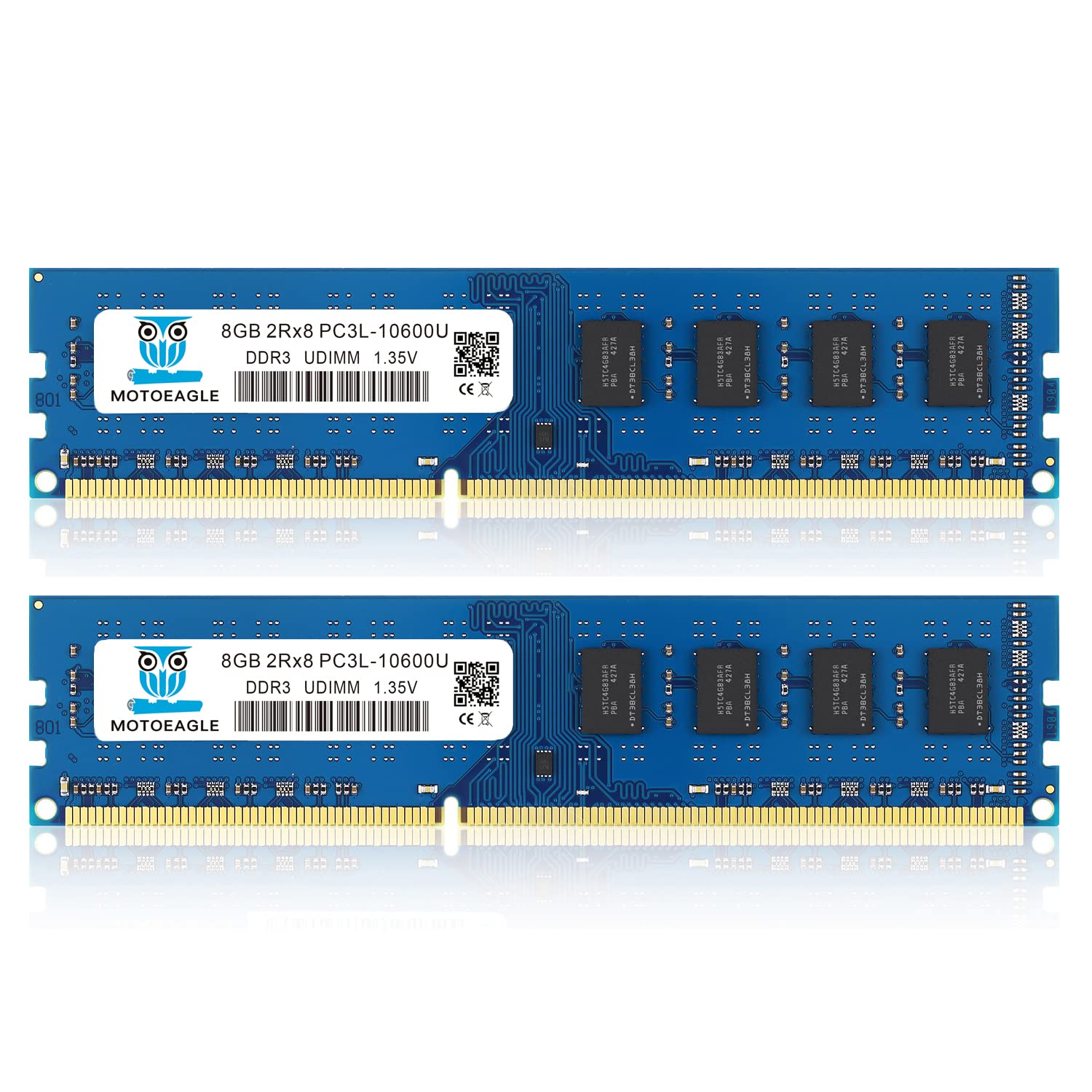
Motoeagle's high performance DDR3/DDR3L 1333MHz PC3/PC3L 10600 UDIMM 1.35V 8GB Desktop Memory. Designed specifically to help your computer run faster and smoother, an Motoeagle memory upgrade is one of the fastest, most affordable, and easiest ways to improve your system's performance. Give your computer the best, Trust Motoeagle! Easy Installation: Please Turn off computer before installation. Step 1. Find out the the RAM cover of your computer, disassemble it with tools. Step 2. Draw out the original RAM. Then install DDR3 1333 RAM with the connection figure side into the slot. Step 3. Press down the memory, tighten the buckle. Common Fault Diagnosis: 1. Turn on computer, no display ----It mostly results from poor contact between memory and slot, you can try to wipe the connection figure with eraser. Please don’t use Corrosives to wipe, such as ethyl alcohol. Memory and slot fault will cause no display too. If that’s memory fault, the host loudspeaker will be buzzing(specific to Award BIOS) 2. Windows often boot into safe mode automatically ---- In general, that’s because motherboard is incompatible with memory. Higher-frequency memory installed may result in this matter. You can try to slow the speed of data read in CMOS setting, if don’t work, you need to change the memory. 3. Computer crash randomly ----Installing Different frequency RAMS will cause this problem. The difference of Memory speed cause timing difference, then result in crash. You can try to slow the speed of data read in CMOS setting. if don’t work, you need to use same frequency RAM. Motherboard incompatibility or poor contact with memory will bring about this situation too, but very rare. Package contents: 2pcs 8GB DDR3 1333MHz Desktop memory modules
Customer reviews
10 Trustpilot reviews total, with 2 shown at a time.
I wrote to Bigamart's customer support and they accompanied the process of reshipping the item until it finally arrived. I felt a genuine effort to solve the problem till it was finally solved.
The package was here in Australia from England in a few days — so quick! Something was missing and they refunded it straight away. Pretty happy with these guys.
You might also like