IBest
✓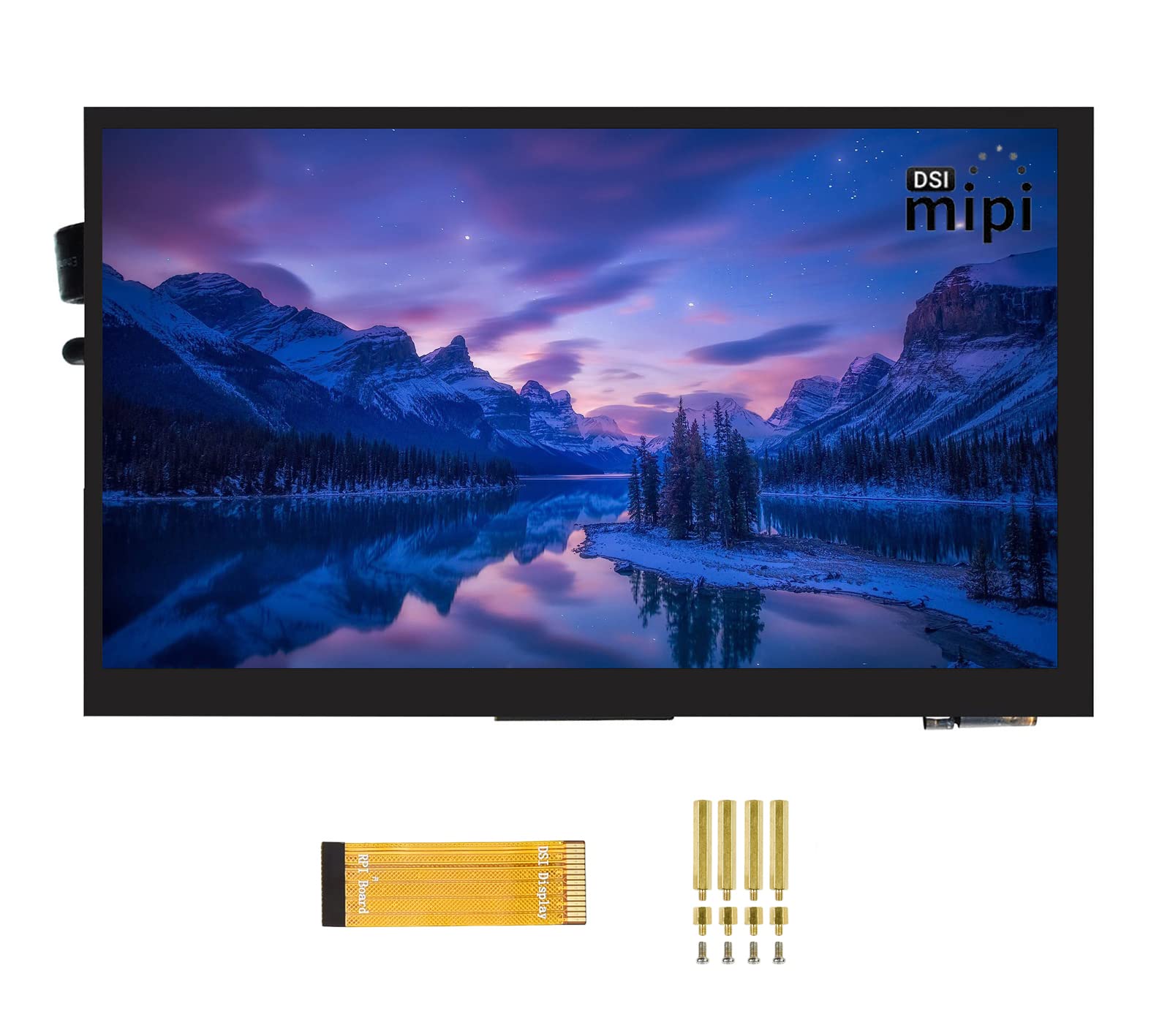
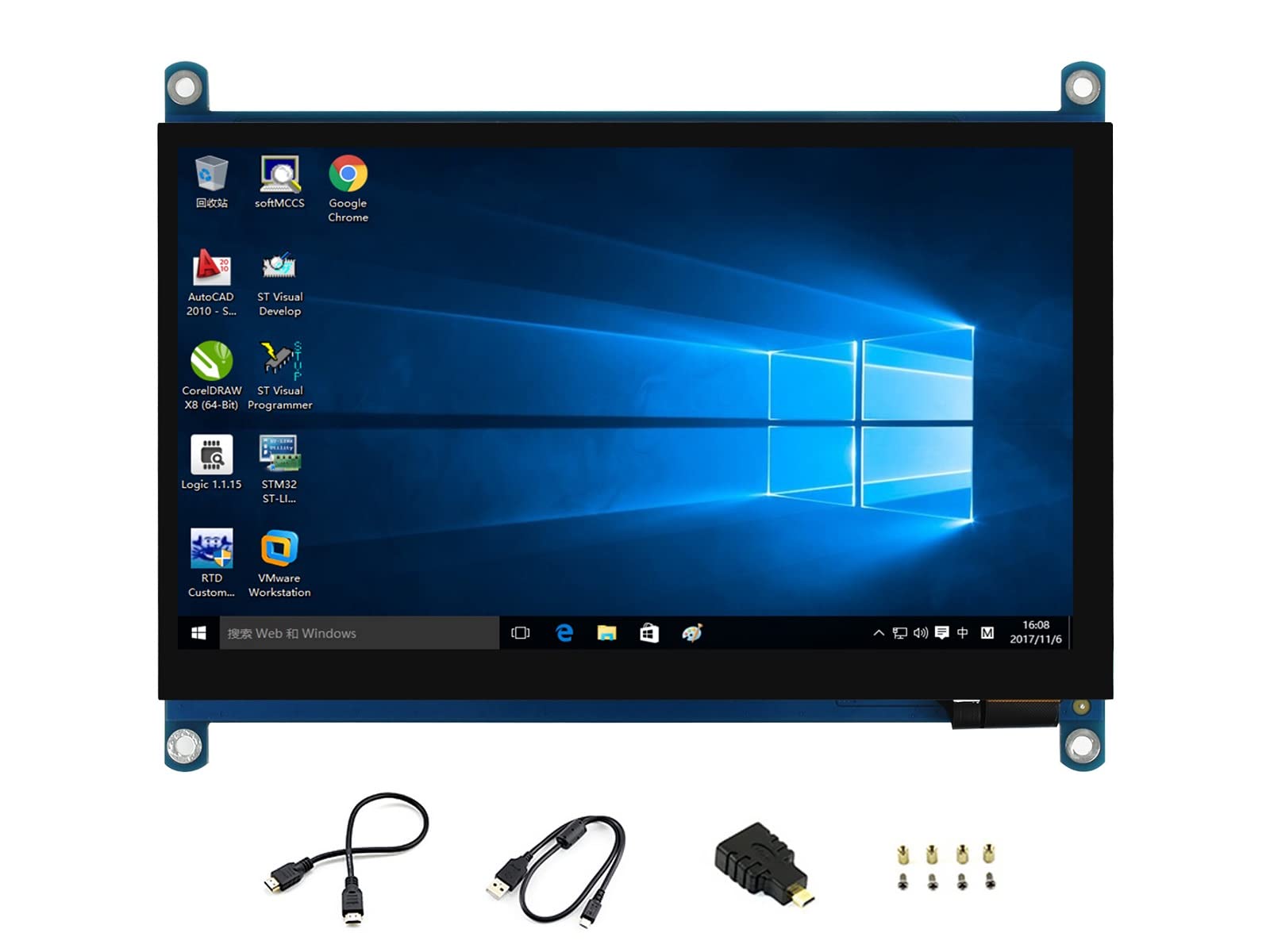
Introduction 5 inch Capacitive Touch Display for Raspberry Pi, 800 x 480, TFT Wide Angle, MIPI DSI Interface Features 5 inch TFT screen. 800 x 480 hardware resolution Capacitive touch panel, support 5-point touch Supports Pi 4B/3B+/3A+/3B/2B/B+/A+. Another adapter board is required for CM3/3+. DSI interface, refresh rate up to 60Hz. Supports Raspbian/Ubuntu/Kali and WIN 10 IoT, driver-free. Working With Raspberry Pi Hardware connection. Connect the DSI interface of 5 inch DSI LCD to the DSI interface of Raspberry Pi. For easy use, you can fix the Raspberry Pi on the backside of the 5inch DSI LCD by screws. Software setting 1) Download image (Raspbian, Ubuntu, Kali, or WIN10 IOT) from the Raspberry Pi website. 2) Download the compressed file to the PC, and unzip it to get the.img file. 3) Connect the TF card to the PC, use SDFormatter.exe software to format the TF card. 4) Open the Win32DiskImager.exe software, select the system image downloaded in step 2, and click'Write' to write the system image. 5) After the image has finished writing, save, and quit the TF card safely. 6) Power on the Raspberry Pi and wait for a few seconds until the LCD displays normally. And the touch function can also work after the system starts. Note: When adjustable brightness via software, if the command reports the 'Permission denied' error, please switch to the 'root' user mode and execute it again. Package Content 1 x 5 inch DSI LCD. 1x FPC 15PIN 1.0 pitch 50mm (opposite sides). 1 x screws. Development Resources https://www.waveshare.com/wiki/5inch_DSI_LCD?Amazon
Customer reviews
10 Trustpilot reviews total, with 2 shown at a time.
I wrote to Bigamart's customer support and they accompanied the process of reshipping the item until it finally arrived. I felt a genuine effort to solve the problem till it was finally solved.
The package was here in Australia from England in a few days — so quick! Something was missing and they refunded it straight away. Pretty happy with these guys.
You might also like