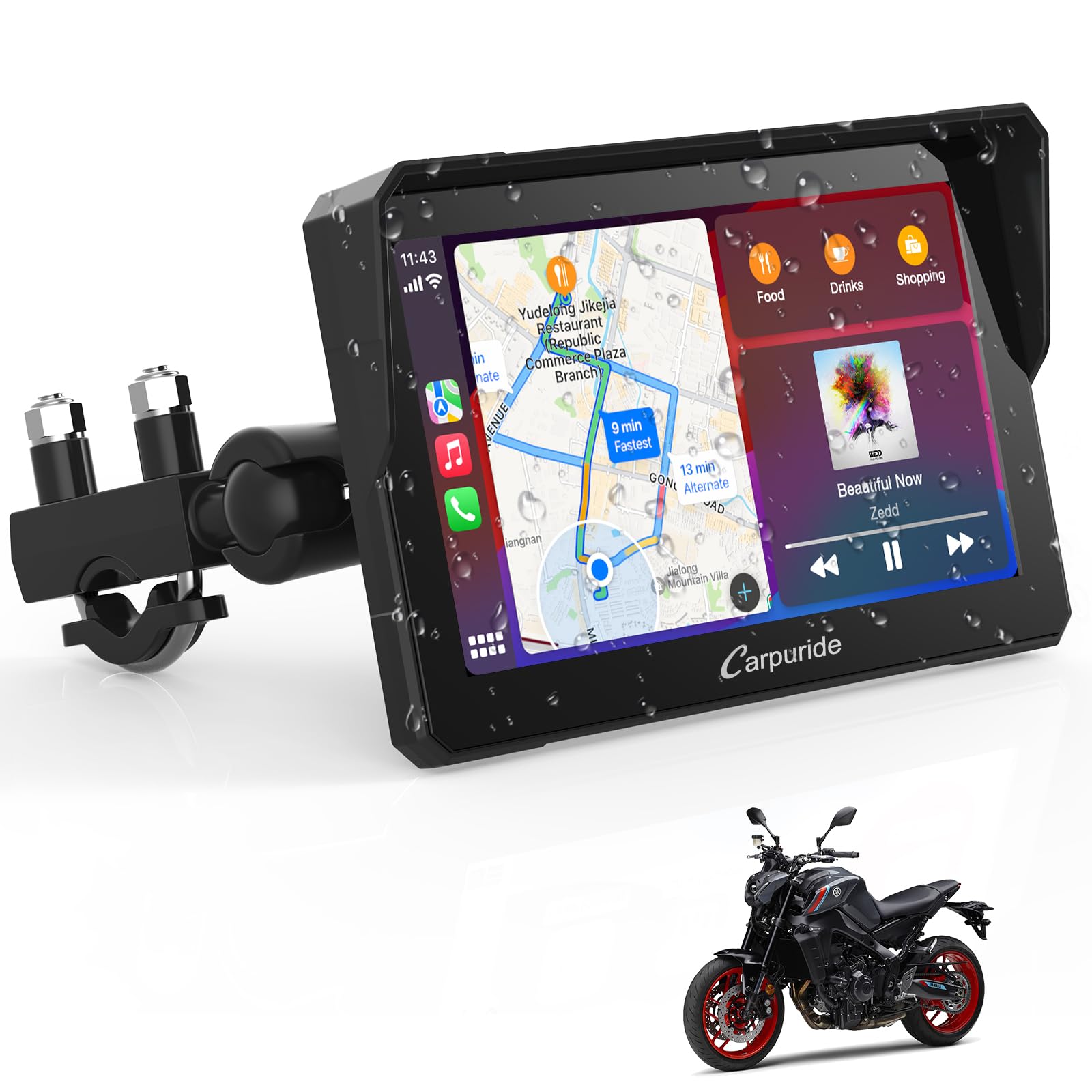
CARPURIDE
✓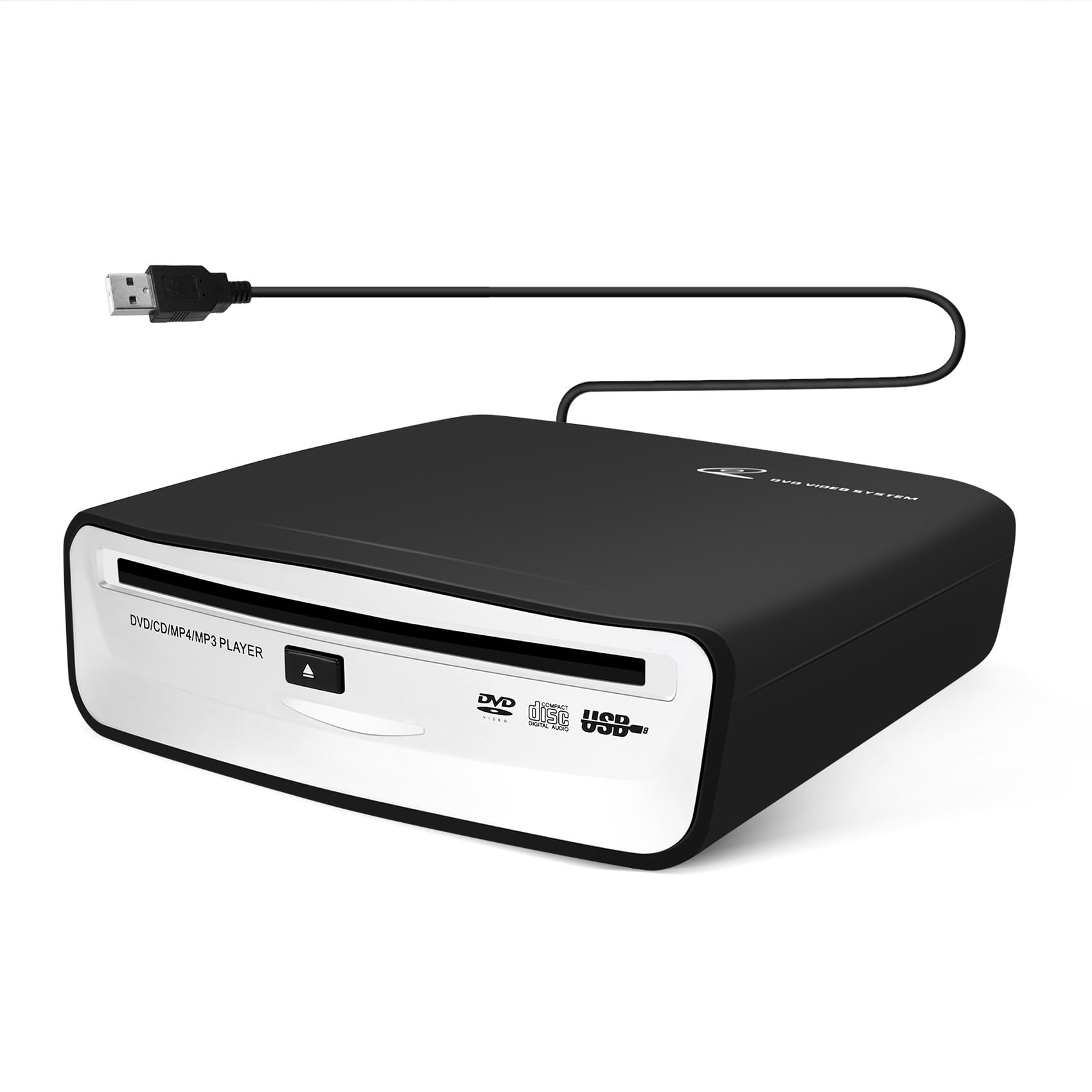
Android Version: The DVD Player is only for Android Version 4.0 or above navigation Player Disc Format: DVD - ROM, DVD - R / + R, DVD - RW / + RW CD -ROM, CD - R, CD - RW Operjting temperature: -10 Celsius - + 70 Celsius,Voltage / Currcnt :DC5V 1A Disc adaptability: 12 cm disc External interface: USB 2.0 DIschia access mode: suction type Placement angle: place horizontally / top / cup mouth at top Colour: Black Material: Plastic USB cable length: 60CM Size: 160 mm x 155 mm x 48 mm Weight:700 Package contents: 1 x DVD dish box How to use: install a dedicated app,Here are the steps: 1.Connect the disc box to the host via USB. 2.Insert the installation disc into the disc box and wait for it to be read. 3.In the navigation, find "ES File Explorer" or "File Manager" and open it. Locate the installation file "DVD Player.APK" and click on it to install. 4.After the installation is complete, return to the main interface. The "DVD Player" appear in the applications. 5.Remove the installation disc and insert the disc you want to play. Wait for the message "Preparing USB storage" to appear in the upper left corner of the screen, then click on the "DVD Player" . Now you can enjoy DVD videos or CD music NOTE:If you don’t read the CD, it is recommended to try it on the computer to see if it can be played. If it can be played, the disc box is not compatible with the machine. Incompatibility is that the original car has AUX, so customers can buy a USB player, and then it can support playing CD players. The product only supports in-car navigation, Android system and black discs, and does not support wince machines and Blu-ray discs
Customer reviews
10 Trustpilot reviews total, with 2 shown at a time.
I wrote to Bigamart's customer support and they accompanied the process of reshipping the item until it finally arrived. I felt a genuine effort to solve the problem till it was finally solved.
The package was here in Australia from England in a few days — so quick! Something was missing and they refunded it straight away. Pretty happy with these guys.
You might also like