AZDelivery
✓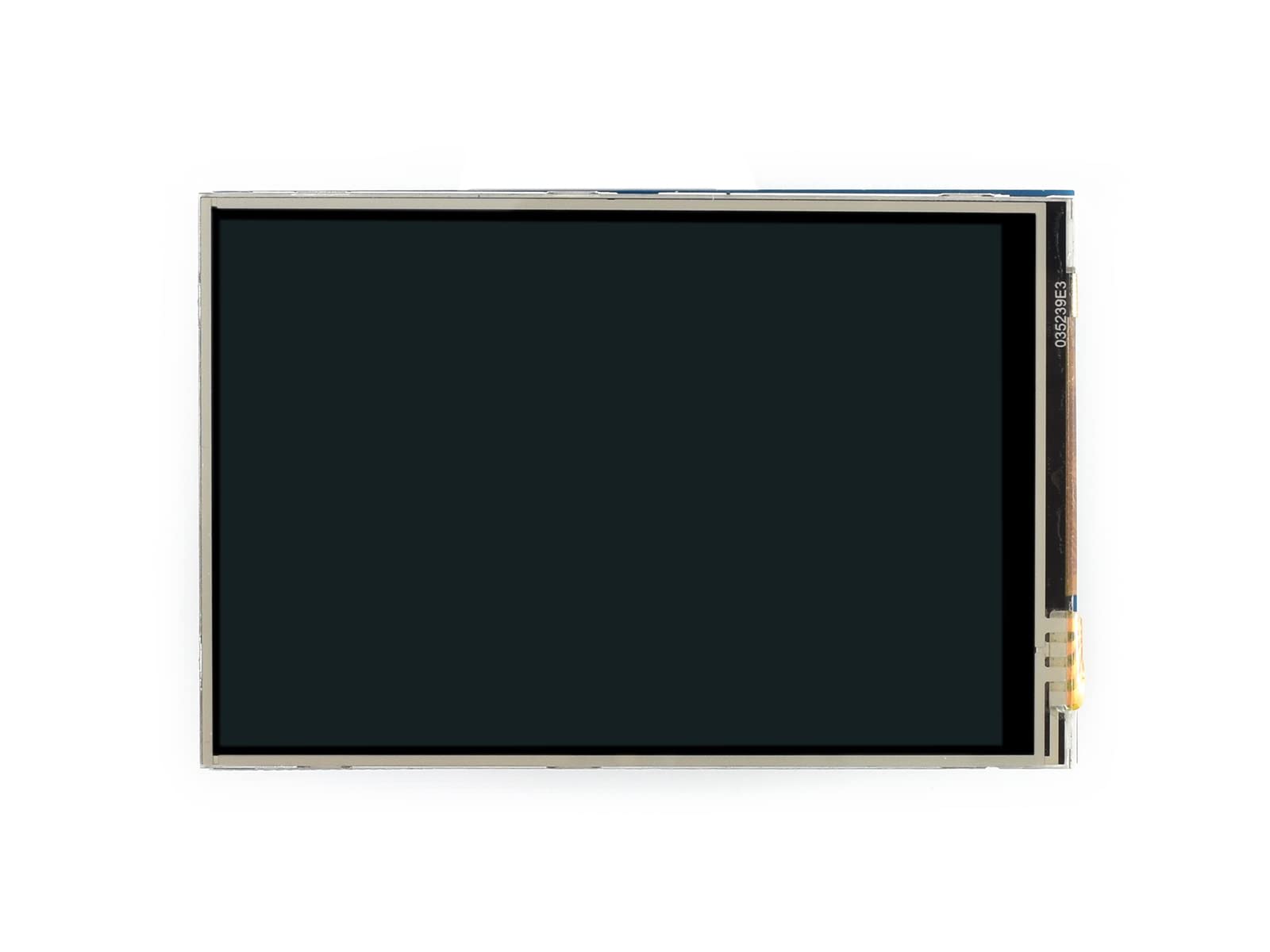
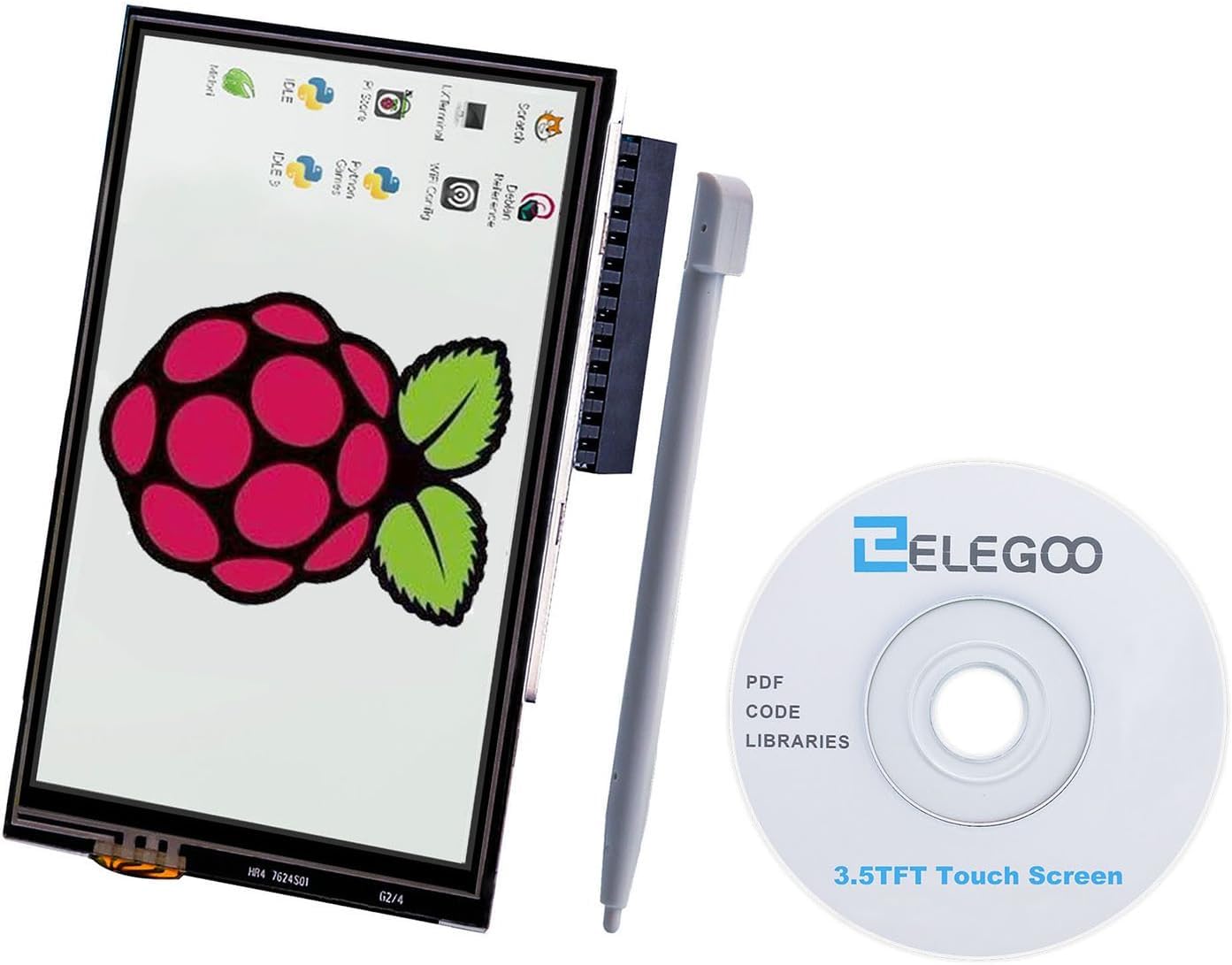
FAQ Question: Why can not the LCD be used normally when using the official image provided by the Raspberry Pi? Answer: The LCD must have a driver installed for normal use. For details, please refer to the relevant introduction in the user manual. Question: Why can not the LCD be used normally when using the Raspberry Pi image provided by waveshare? Answer: Since the Raspberry Pi image and version are frequently updated, if you encounter a situation where the LCD cannot be used normally, please download the latest version of the image provided by us or from the official website of Raspberry Pi and install the latest driver provided by us. Make sure the hardware connection is correct and the contact is good. Make sure that TF card programming is normal. When the Raspberry Pi starts normally, the PWR light is always on, and the ACT light is flashing. If it is found that both lights are always on, it may be that the TF card is not successfully programmed to the image or the TF card is in poor contact with the Raspberry Pi. It is recommended to use a 5V 2.5A power adapter for the Raspberry Pi. If the Raspberry Pi is powered by the USB port of the PC, the Raspberry Pi may not be able to start normally due to an insufficient power supply. User Manual waveshare.com/wiki/3.5inch_RPi_LCD_(A)?amazon Support If you require technical support, please go to the Support page in the wiki and open a tickets.
Customer reviews
10 Trustpilot reviews total, with 2 shown at a time.
I wrote to Bigamart's customer support and they accompanied the process of reshipping the item until it finally arrived. I felt a genuine effort to solve the problem till it was finally solved.
The package was here in Australia from England in a few days — so quick! Something was missing and they refunded it straight away. Pretty happy with these guys.
You might also like