Nestling
✓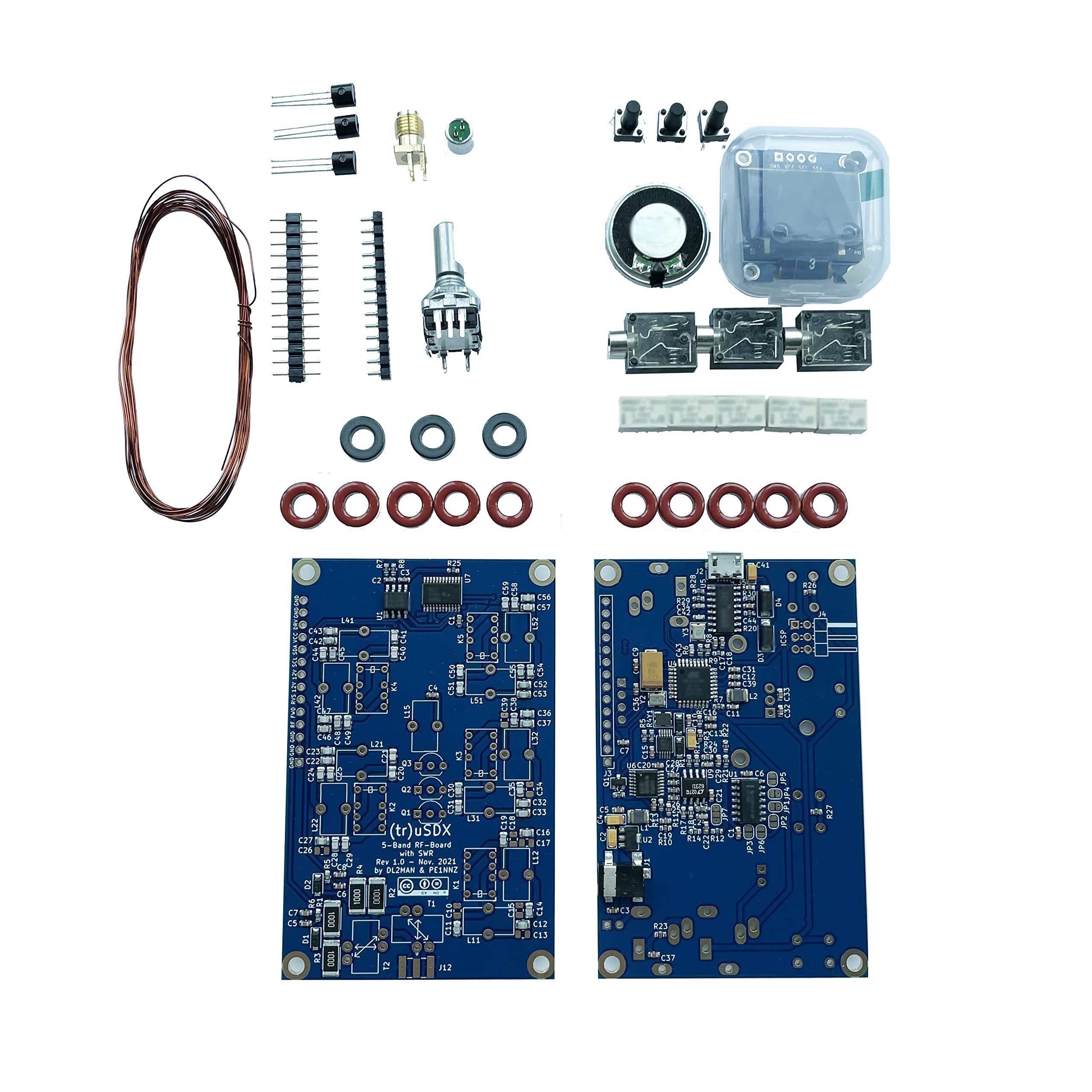
Thanks to DL2MAN and PE2NNZ Contribution. We are certified by original creatorsMainboard have been burned the Bootloader and programed the firmware, You need to program the callsign yourself, entering the serial number which is in the package.Kits no case:Only the kits, no case, 80 /60/40/30/20m.Steps of reprogram/upgrade:①Download the firmware(DL2MAN's page). Enter the serial number (which is in the package) and download the firmware.③ Install the USB Driver for the CH340 driver and AVR-Dudess software (if the computer prompts that the AVR-Dudess cannot be installed), please use another computer to install it.④Restart the computer and use USB cable to connect the mainboard (the computer will make a ding-dong sound at this time, indicating that the CH3400 Driver software has been installed successfully. If not, it may be that the USB cable has no data transmission function, try to use another USB data cable).⑤Open the AVR-Dudess software, and then program the firmware. Please follow the position circled in the picture below, set up the software, and then program.Opening Device Manager under Windows will show the assigned COM-Port(first image below)
Customer reviews
10 Trustpilot reviews total, with 2 shown at a time.
I wrote to Bigamart's customer support and they accompanied the process of reshipping the item until it finally arrived. I felt a genuine effort to solve the problem till it was finally solved.
The package was here in Australia from England in a few days — so quick! Something was missing and they refunded it straight away. Pretty happy with these guys.
You might also like