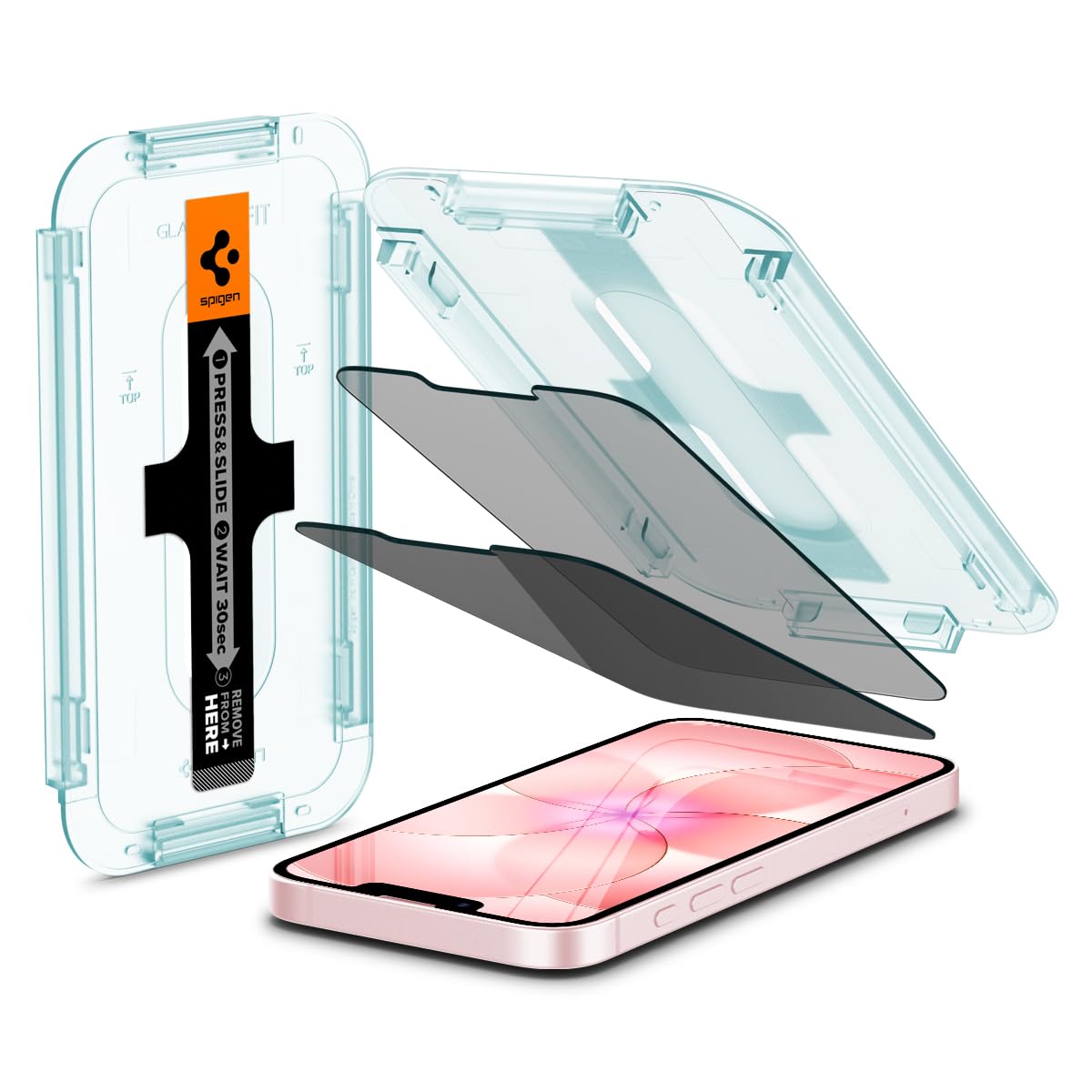
Spigen
✓
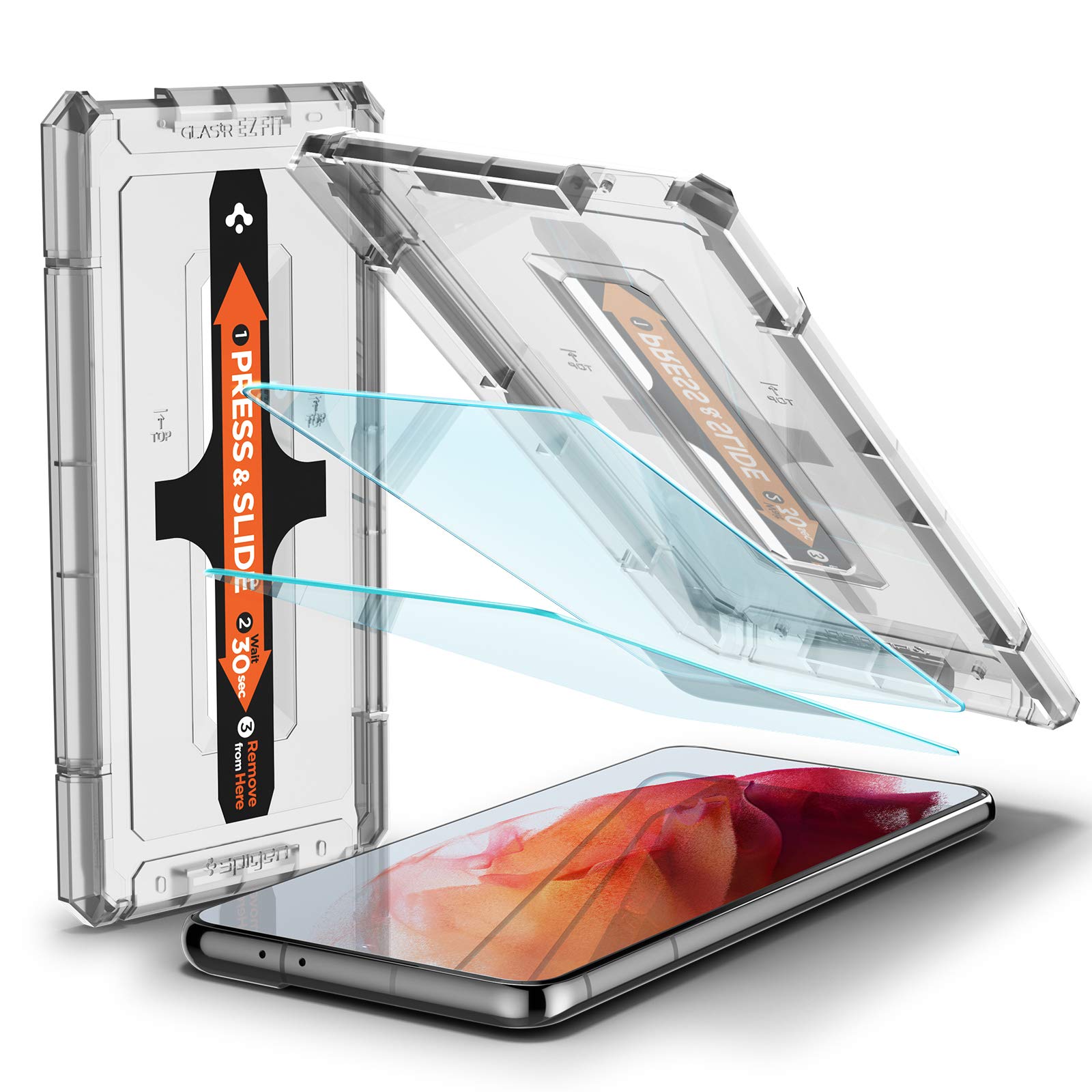
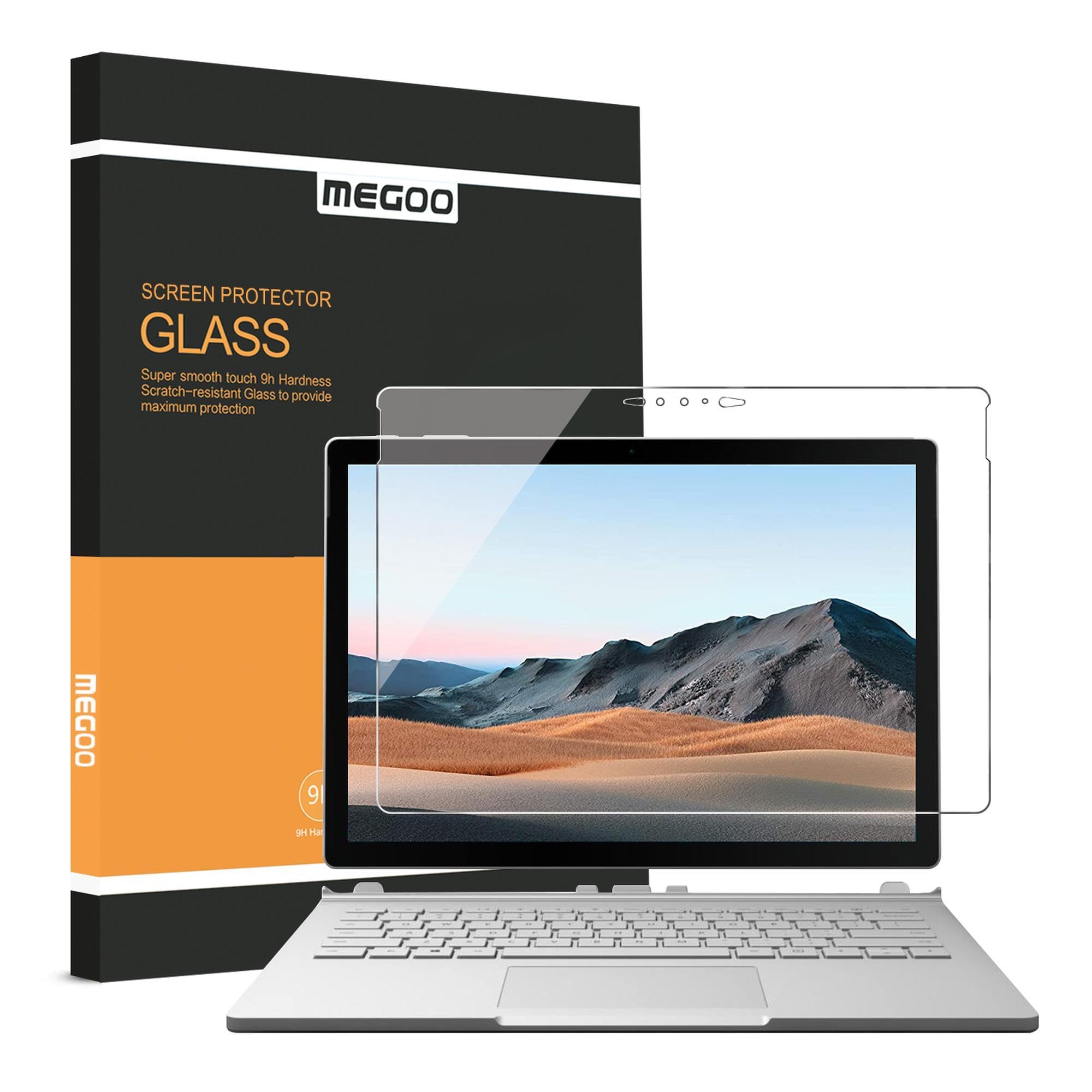
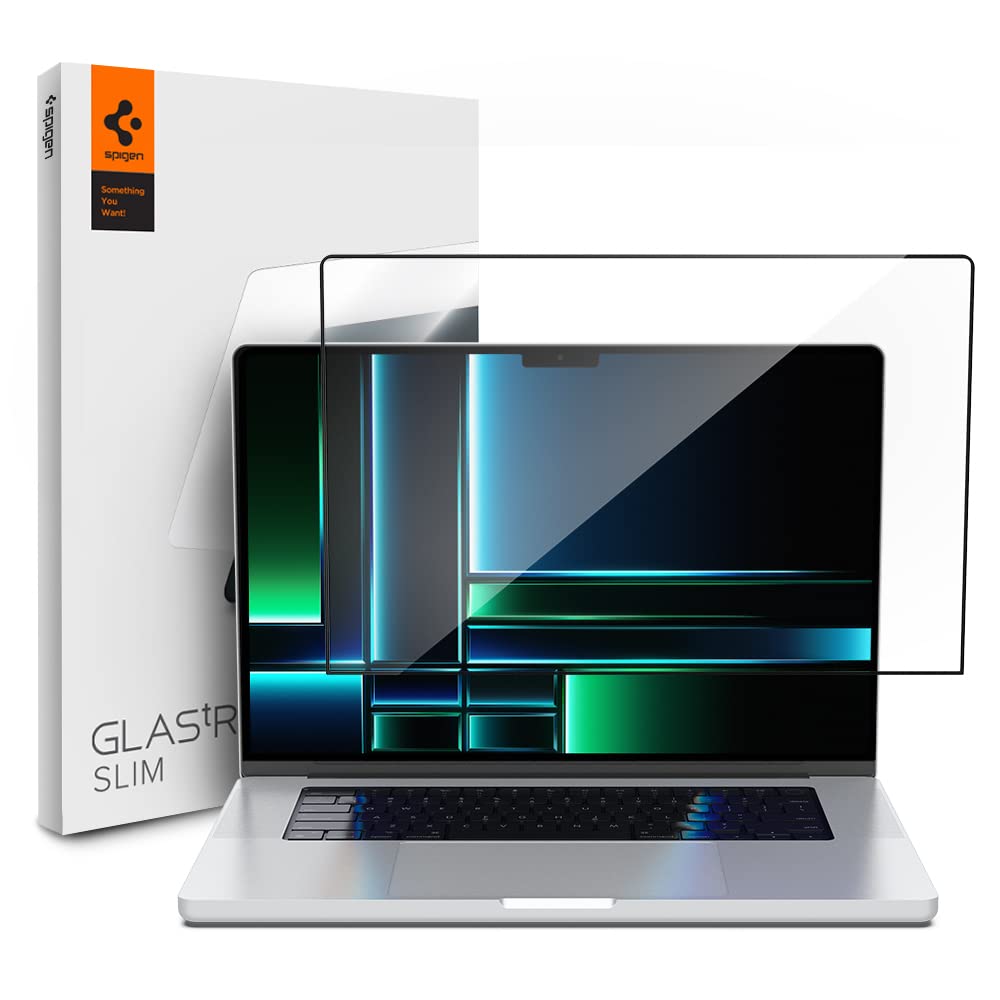
Description Installation Steps Preparation Tools: Open the packaging and take out the screen protector and the installation toolkit. The toolkit typically includes: wet wipes, dry wipes, and dust removal stickers. Cleaning the Screen: Thoroughly wipe the screen with the wet wipe to remove all dust, fingerprints, and oil. Use the dry wipe to dry the screen, ensuring there are no water stains left. Use the dust removal sticker to gently pick up any small dust particles on the screen to ensure it is completely clean. Aligning the Screen Protector: Align the screen protector with the phone screen, ensuring the edges and cutouts are perfectly matched. You can start by aligning the sides of the protector and then adjust the top and bottom. Installing the Screen Protector: Carefully peel off the thin film on the back of the screen protector, being careful not to touch the adhesive side. Slowly place the protector from top to bottom or from one side to the other, ensuring it aligns accurately with the screen. Removing Bubbles: Gently press the center of the screen protector with your finger and push any bubbles toward the edges. If there are stubborn bubbles, use the dust removal sticker to gently lift the protector and press out the bubbles again. Warm Tips: Environment: Try to avoid installing in a dusty environment to reduce the chance of dust particles getting under the protector. Reinstallation: If the first installation is not satisfactory, you can gently peel it off and reapply, but avoid frequent reapplication to maintain the adhesive effect.
Customer reviews
10 Trustpilot reviews total, with 2 shown at a time.
I wrote to Bigamart's customer support and they accompanied the process of reshipping the item until it finally arrived. I felt a genuine effort to solve the problem till it was finally solved.
The package was here in Australia from England in a few days — so quick! Something was missing and they refunded it straight away. Pretty happy with these guys.
You might also like