BOYA
✓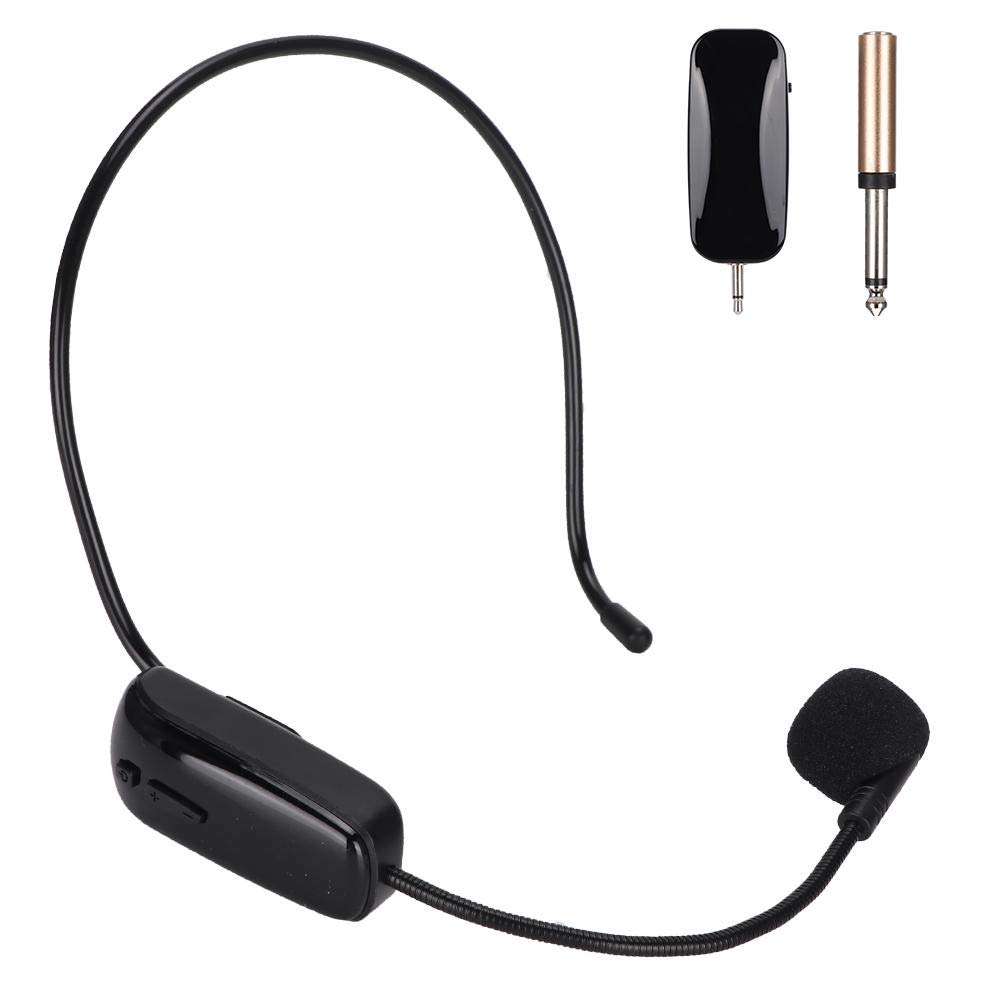
Specification: Sensitivity: -39dB ± 1dB Microphone head: single-point capacitive Audio response: UHF 720-820MHZ Distortion rate: <0.5% 400HZ Frequency response: 20HZ-23000HZ Charging voltage: DC 5V 300MA Effective distance: 50m Package List: 1 * Transmitter 1 * Receiver 1 * USB Charging Cable 1 * 3.5 to 6.35 Adapter Headset Microphone: 1. Key operation instructions: long press the power button for three seconds to turn on/off, short press the power button to The screen displays as follows: C00-49 current frequency, a total of 49 frequency points. U0-99 level adjustment 2. Charging indicator: The charging red light is on, and the red light is off. Receiver: 1. Toggle , blue work indicator flashes, (not connected successfully) blue work indicator length (connected) 2. Charging indicator: The charging red light is on, and the red light is off. The factory has been paired well, no pairing is required. Please pair the receiver first, then press and hold the power button for 3 seconds. After the power is turned on and pressed for +1 second, the work light flashes and the LED screen runs quickly, which is received in the pairing state. The blue indicator light stops flashing and the pairing is successful. (The default frequency is within 10 seconds after the receiver is turned on. If it is over 10 seconds, it cannot be paired.) Because the machine has automatic sweep function, press +- to adjust the frequency (C00-49). ) Sweep the frequency connection yourself. After switching the frequency point, you need to stay for two to three seconds. If you don't connect, you can cut off a frequency point.
Customer reviews
10 Trustpilot reviews total, with 2 shown at a time.
I wrote to Bigamart's customer support and they accompanied the process of reshipping the item until it finally arrived. I felt a genuine effort to solve the problem till it was finally solved.
The package was here in Australia from England in a few days — so quick! Something was missing and they refunded it straight away. Pretty happy with these guys.
You might also like