ABB
✓Circuit Breakers
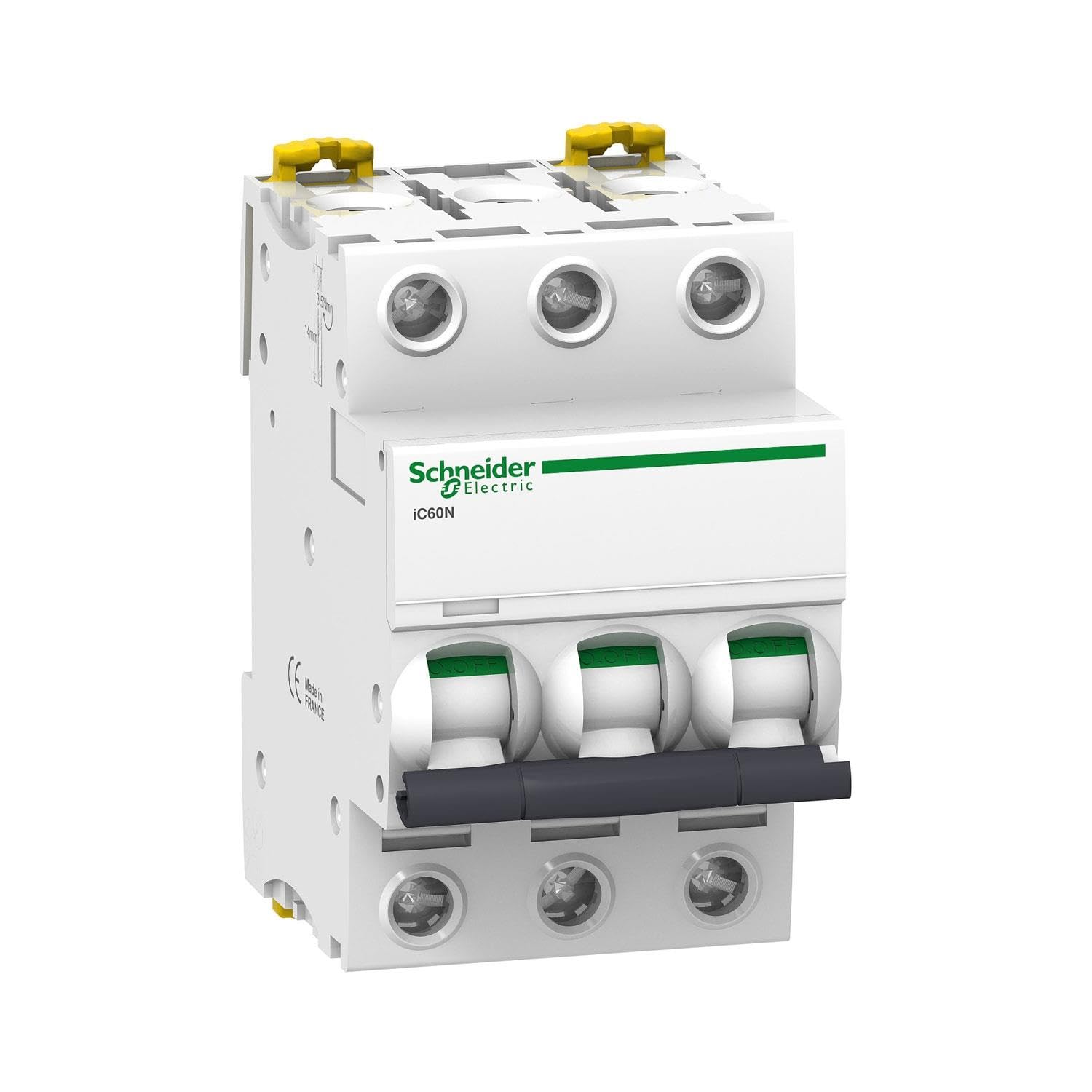
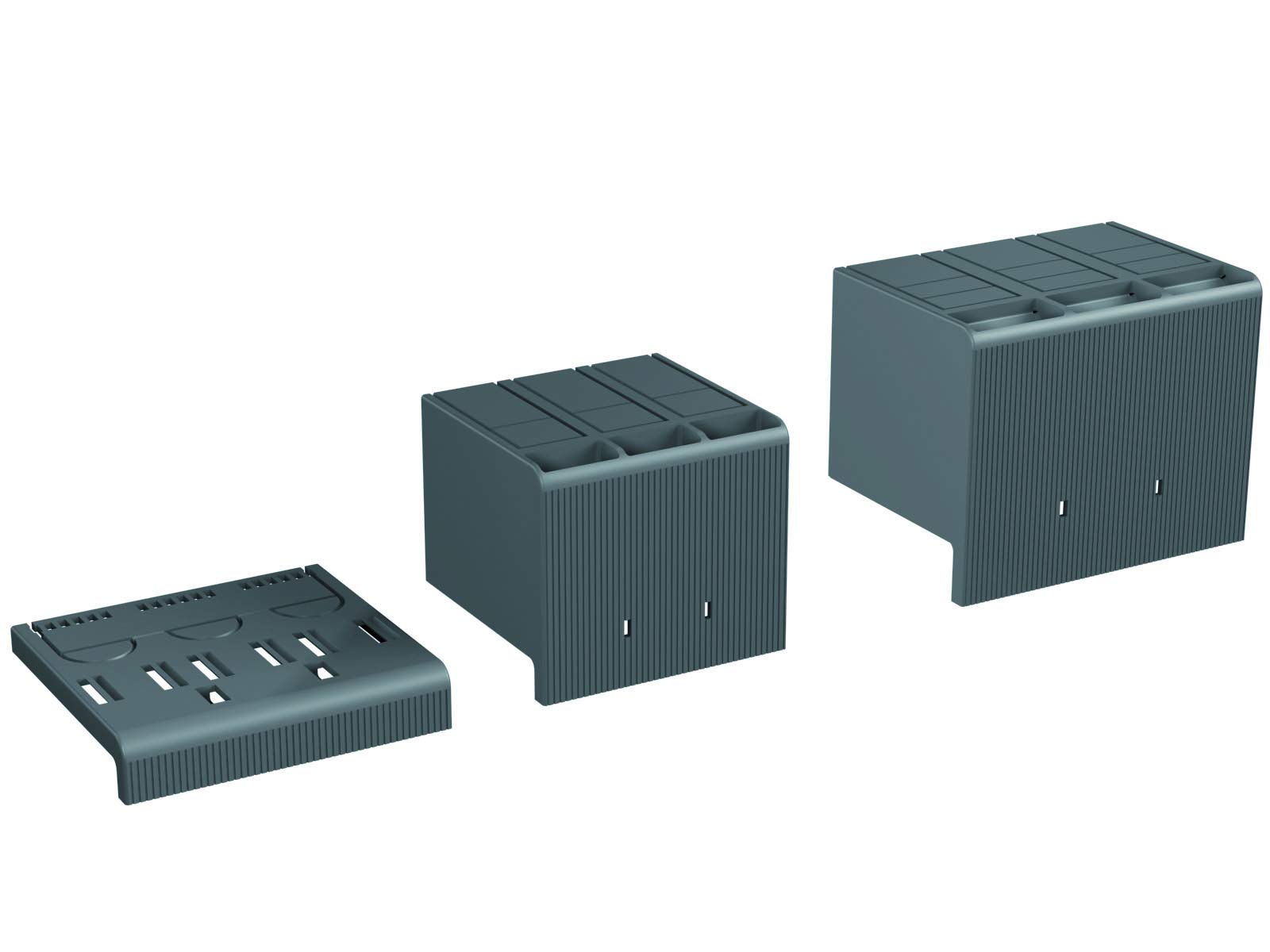
ABB HTC XT5 3p High Terminal Covers, 3 Pole, Tmax XT Accessories (ABB1SDA105025R1)
$161.99
ViewSpecification: Item Type: Din Rail Circuit Breaker Material: Copper, PA66 Application: Intelligent home control Panel Color: Black Applicable APP: For Tuya Smart Rated Working Voltage: AC 230 Voltage Control Type: Remote control, manual Number Of Poles: 1P+N (N pole through) Control Method: For SigMesh/ for ZigBee Rail: DIN35 Size: Approx. 82x68x18mm/3.23x2.68x0.71in Package List: 1 x Din Rail Circuit Breaker How To Use: Lighting Description: 1. The LED indicator shows a steady blue light, indicating that the switch is on. 2. The LED indicator light is off, indicating that the switch is in the off state or off‑grid mode. (In the off grid mode, the manual switch has no status indicator, please pay attention to use safety). 3. The LED indicator light flashes blue slowly, indicating that the product is in pairing mode. Steps: 1. Connect the wire from the upper end of the circuit breaker to the lower end, please make sure the wiring is correct and the WiFi signal is strong. 2. Turn on the phone's Bluetooth and WiFi, open the APP, then long press the power button, wait for about 5‑10 seconds, the LED indicator will slowly flash blue. 3. After waiting for a while, the pop up window will pop up, click the + in the upper right corner, then select the Add Device button, and wait for the device to be recognized. 4. Enter the wifi account password and click Next, and wait for the connection to the network. 5. Connect to the network.
Customer reviews
10 Trustpilot reviews total, with 2 shown at a time.
I wrote to Bigamart's customer support and they accompanied the process of reshipping the item until it finally arrived. I felt a genuine effort to solve the problem till it was finally solved.
The package was here in Australia from England in a few days — so quick! Something was missing and they refunded it straight away. Pretty happy with these guys.
You might also like