Uniclife
✓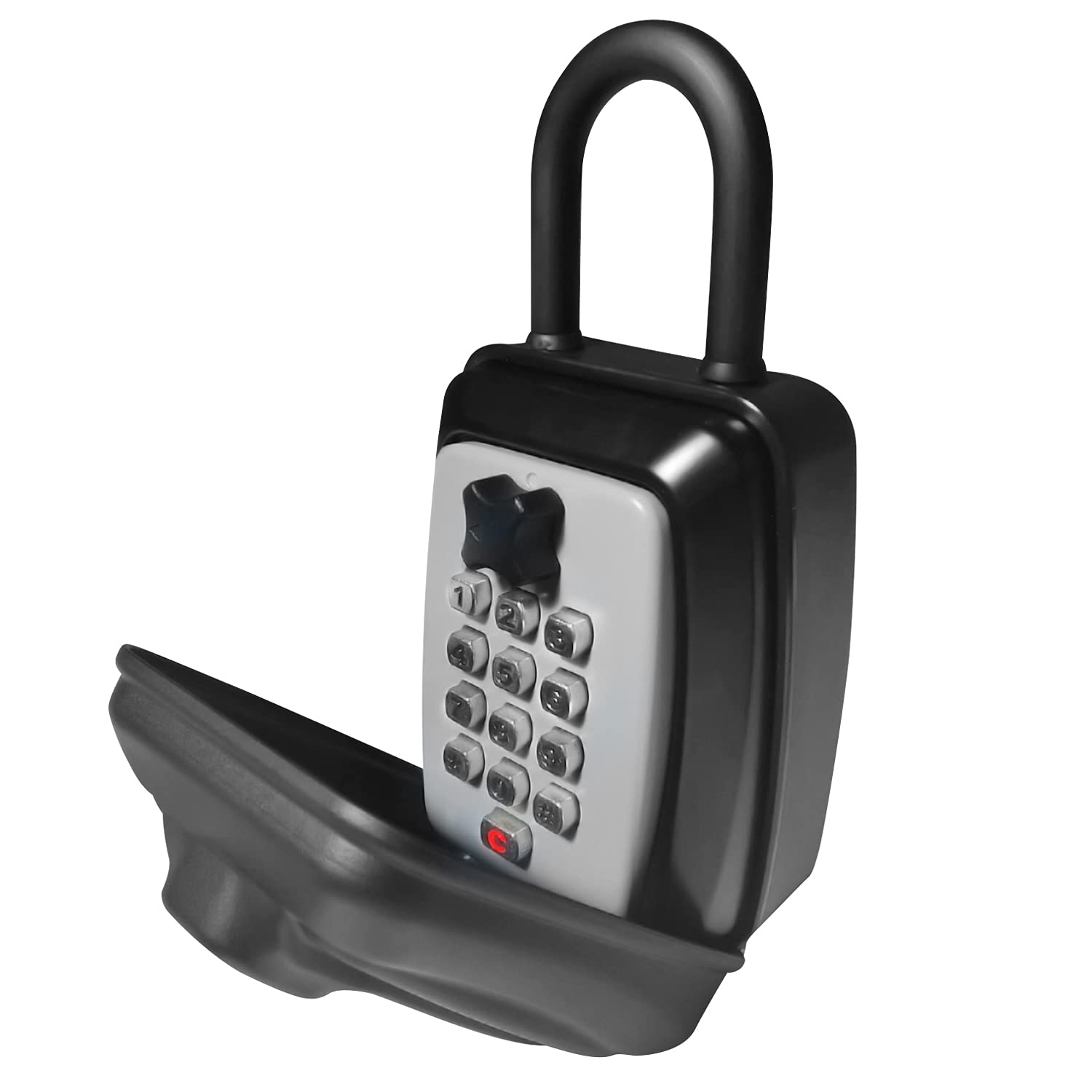
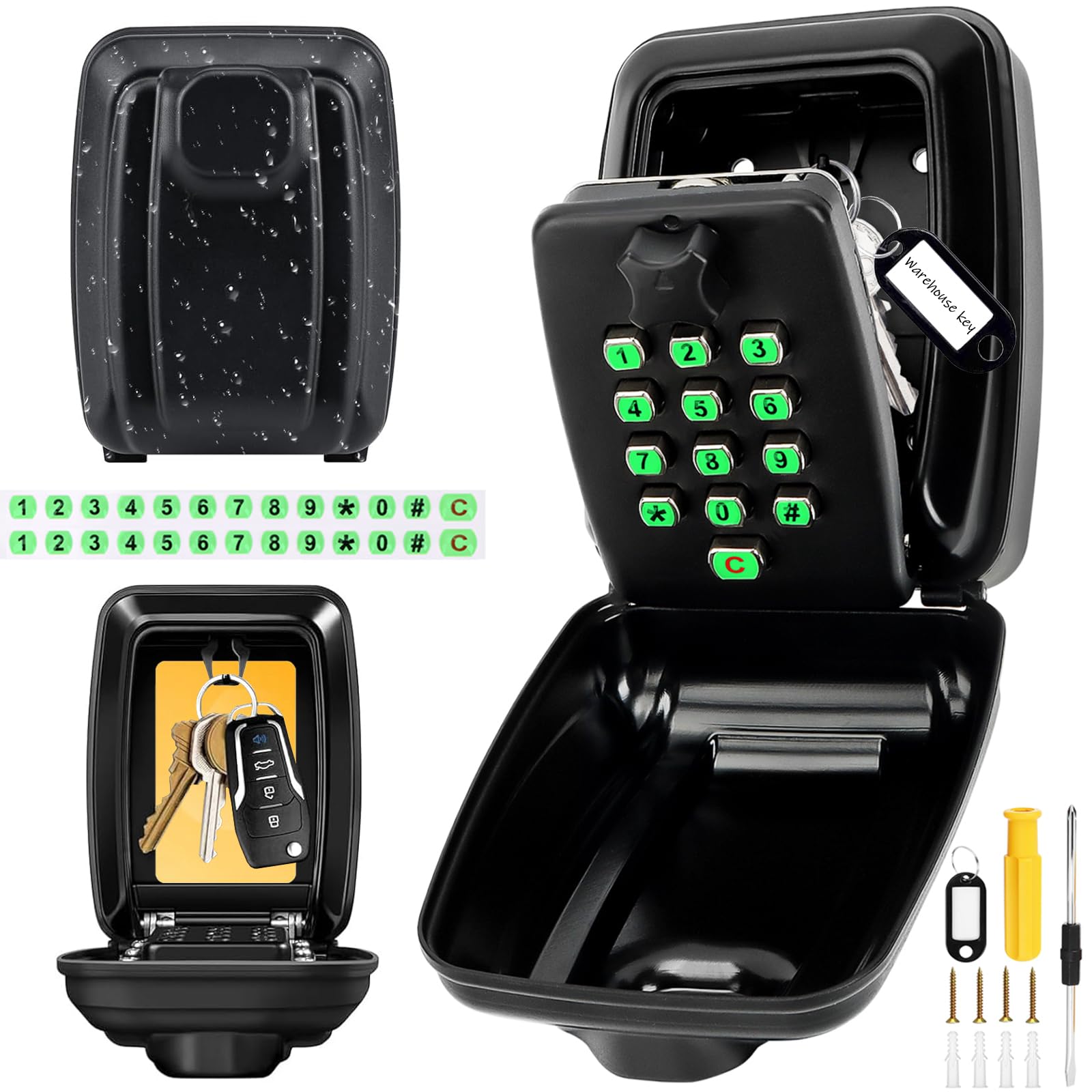
Product parameter Brand: SISAV Model: SISAV-025-Hook Material: Zinc Alloy Color: Black&Gray Quantity: 1 Pack Weight (per lock): 1.46 lb (662 g) The external size (L,W,T): 7 in × 3.7 in × 2.4 in Internal size(L,W,T): 3.14 in × 2.75 in ×1.37 in STEPS TO RESET THE PASSWORD: Initially no password state, press reset button (C), then turn the switch clockwise, it will open Open the key box, then turn the switch 90 degrees counterclockwise. On the back of the panel you can see 12 case slots. The arrow down is to disable the code, the arrow up (pointing to the number) is to enable the code, the initial code is empty, therefore all arrows are down. Place a screwdriver in the slot corresponding to the code you want to enable, turn it 180 degrees (arrow to the number) and set the other numbers in the same way. Press the button for the password you have set, turn the switch clockwise and then turn it back counterclockwise again, accompanied by the sound “ click”, the setting is completed. GENERAL USE: Unlock : Press the code, turn the switch clockwise to open Lock : Close the lock box, turn the switch counterclockwise to lock WARM TIPS: When setting the password, the same number can only be used once. Enter all the correct numbers, no need to follow the order; each time you enter the password, please press down hard and hear the click sound to make sure you have entered the password. When you press the wrong password, press the reset button (C), then press the password again Please set a 4-8 digit password to enhance security. After setting the password, please write it down in your note book or take a photo by your mobile phone to avoid forgetting it.
Customer reviews
10 Trustpilot reviews total, with 2 shown at a time.
I wrote to Bigamart's customer support and they accompanied the process of reshipping the item until it finally arrived. I felt a genuine effort to solve the problem till it was finally solved.
The package was here in Australia from England in a few days — so quick! Something was missing and they refunded it straight away. Pretty happy with these guys.
You might also like