Brinonac
✓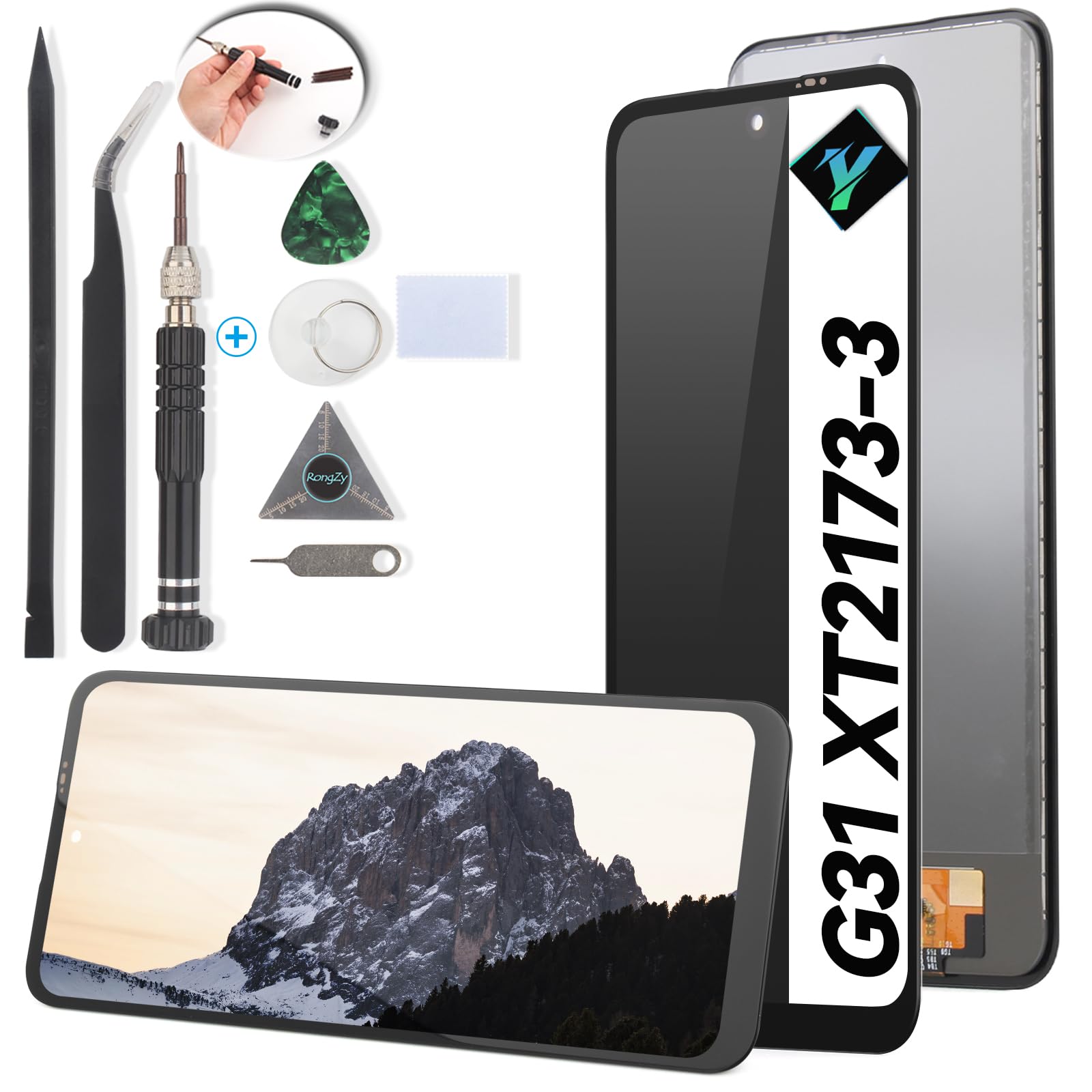
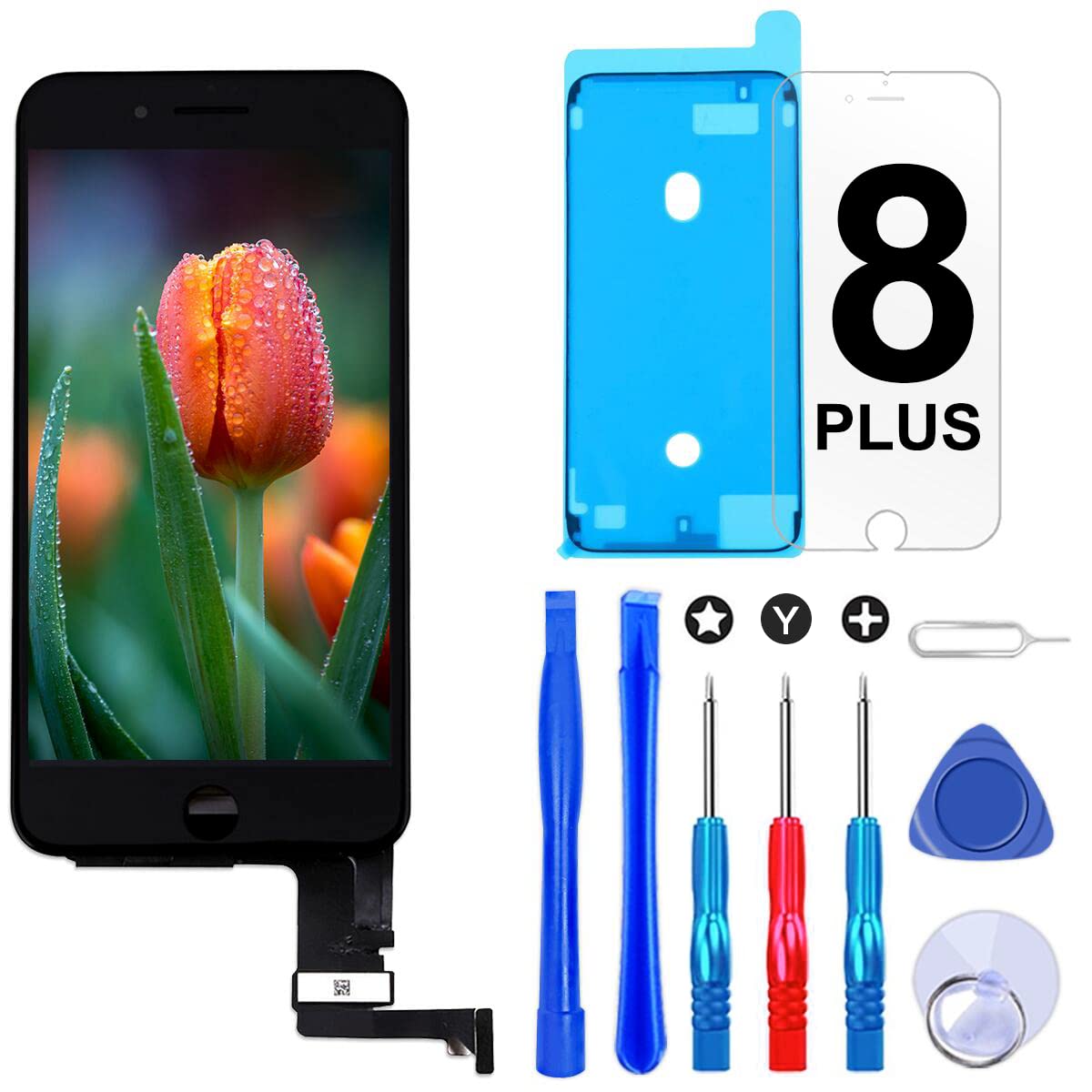
Tips for screen replace: Before installation 1. Disconnect the battery cable before installation or make sure your phone is powered off; 2. Make sure phone has been upgraded to the latest version During installation 1. Please mark each screws place and put the screws you removed on the right place. Due to the different length and size of screws, if put them in wrong screw holes, they may damage the screen; 2. Treat flex cables gently, use tools instead of your finger; 3. Make sure the flex cable is properly connected .Don't force the connector together until they are properly lined up; After installation 1. Reboot: Hold buttons (Home, Up volume, and Power button) untill the phone switch down and then switch up again; 2.If you meet with some issues, please try this: Power off your phone,disconnect all the cables including the battery cable,clean the connector on the motherboard,reconnect the cables, leave the phone alone for a while in a dry environment, a hard reset of your phone,power on. Package: 1* LCD Screen Replacement for Moto G31/G41/G71 5G 1*Set Tools
Customer reviews
10 Trustpilot reviews total, with 2 shown at a time.
I wrote to Bigamart's customer support and they accompanied the process of reshipping the item until it finally arrived. I felt a genuine effort to solve the problem till it was finally solved.
The package was here in Australia from England in a few days — so quick! Something was missing and they refunded it straight away. Pretty happy with these guys.
You might also like