Ledger
✓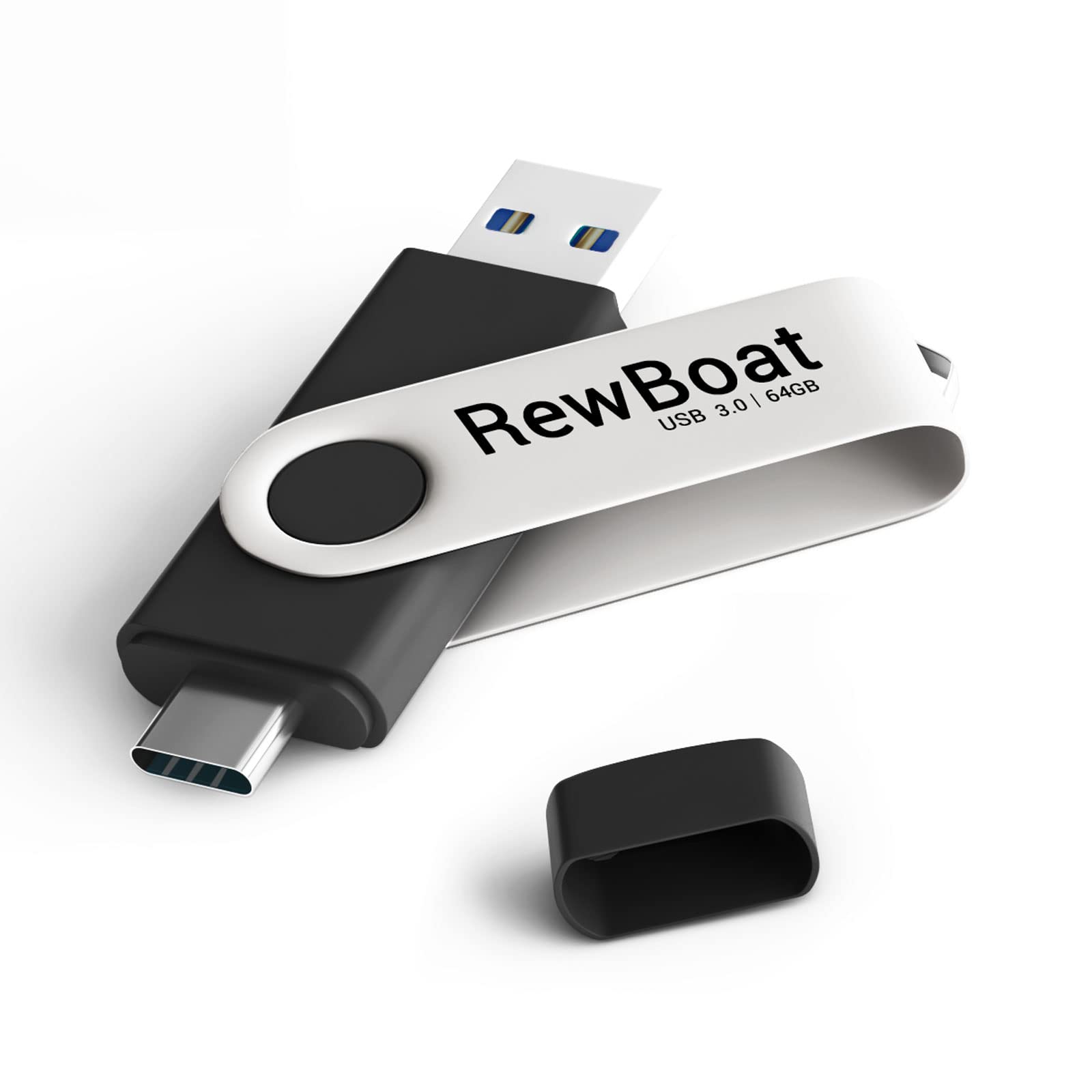
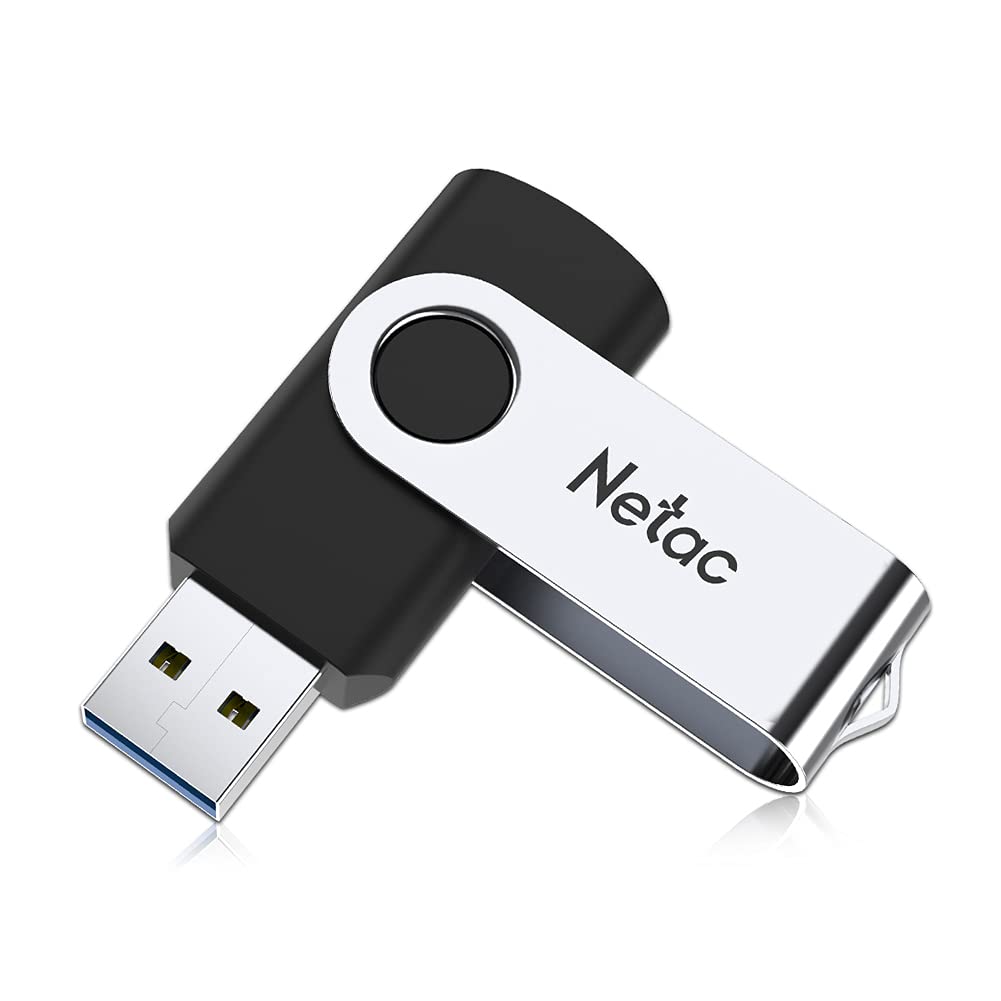
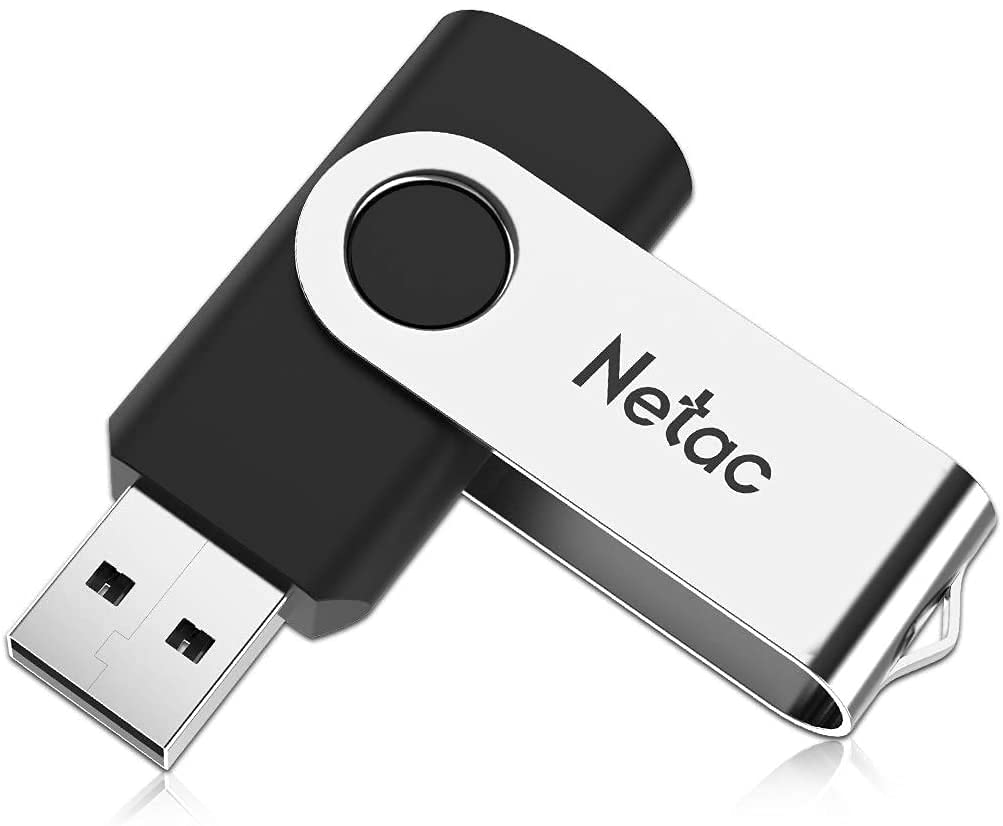
【FEATURE】Casing Materials: Aluminum and PlasticColors: Black Case + Silver CapSize: 68*19*11 mm(Folded)Weight: 10.5 Grams/ UnitChip: Grade A, Original Brand Flash Memory ChipSpeed: Write Speed:30MB/S-32MB/S, Read Speed:98MB/S-100MB/SInterface: TYPE C and USB 3.0, Backwards Compatible to USB 2.0 and 1.1Durability: 50,000 Times Read & WriteOperating System: Windows XP/ 2000/ Vista/ 7/ 8/ 8.1/ 10/ NT Linus/ MAC OS 10.4 and HigherOperating Temperatures: 32º F to 140º F (0º C to 60º C)Storage Temperatures: -4º F to 185º F (-20º C to 85º C)【NOTE】1. The actual available capacity of the small usb flash memory drive is a little smaller than we listed, because of different calculations between the computer and manufacturer:Computer: 1MB=1024KB, 1GB=1024MBManufacturer: 1MB=1000KB, 1GB=1000MBAnd a reserved space is drawn for the stability of the main control and the life of the flash memory.Actual capacity of64GB approximately 58GB-60GB.128GB approximately 116GB-121GB.2. Do not pull out the USB flash drive while reading or saving data. The interruption may damage the data or damage the USB flash drive.【TIPS】 1. Don't operate the files in the USB flash directly. It would better first copy the files to computer to operate and then copy back to USB flash after operation.2. To extend USB flash's life span, it would better to plug the USB flash drive down after operation asap.3. Before removing the USB, please delete the symbol on the bottom right of the PC screen to avoid missing files in the dish.4. Please do not format the USB frequently for it may damage the USB flash.
Customer reviews
10 Trustpilot reviews total, with 2 shown at a time.
I wrote to Bigamart's customer support and they accompanied the process of reshipping the item until it finally arrived. I felt a genuine effort to solve the problem till it was finally solved.
The package was here in Australia from England in a few days — so quick! Something was missing and they refunded it straight away. Pretty happy with these guys.
You might also like