Navilock
✓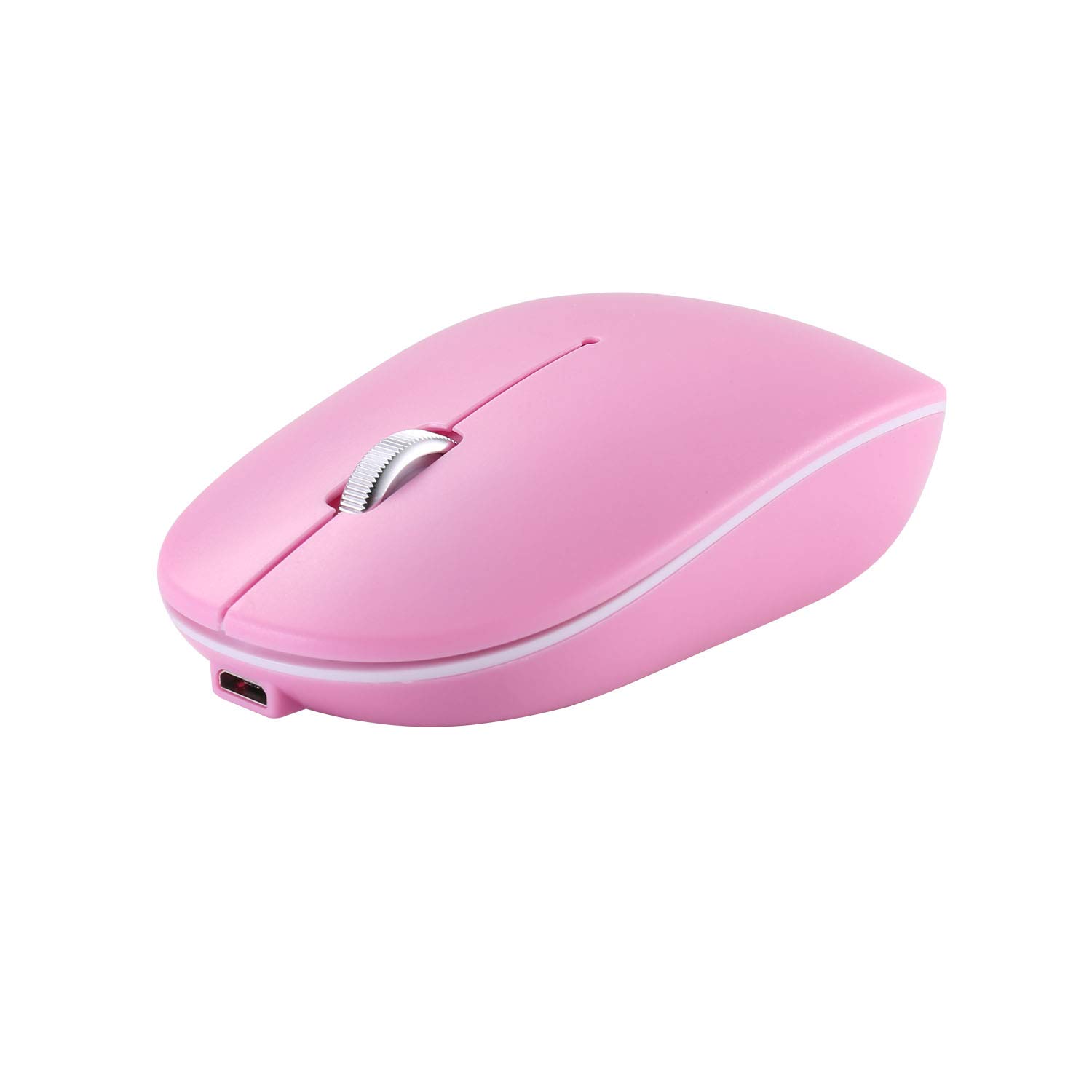
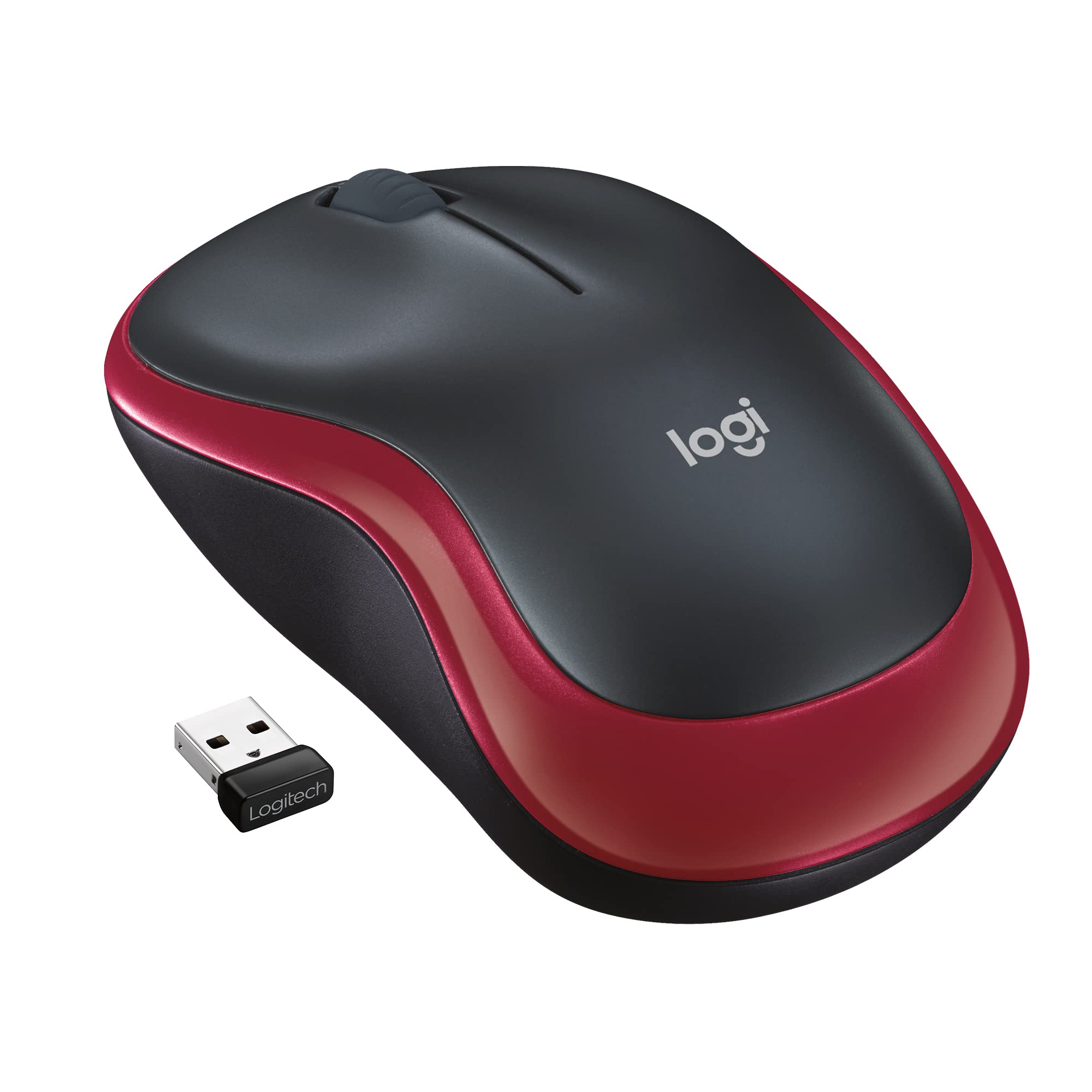
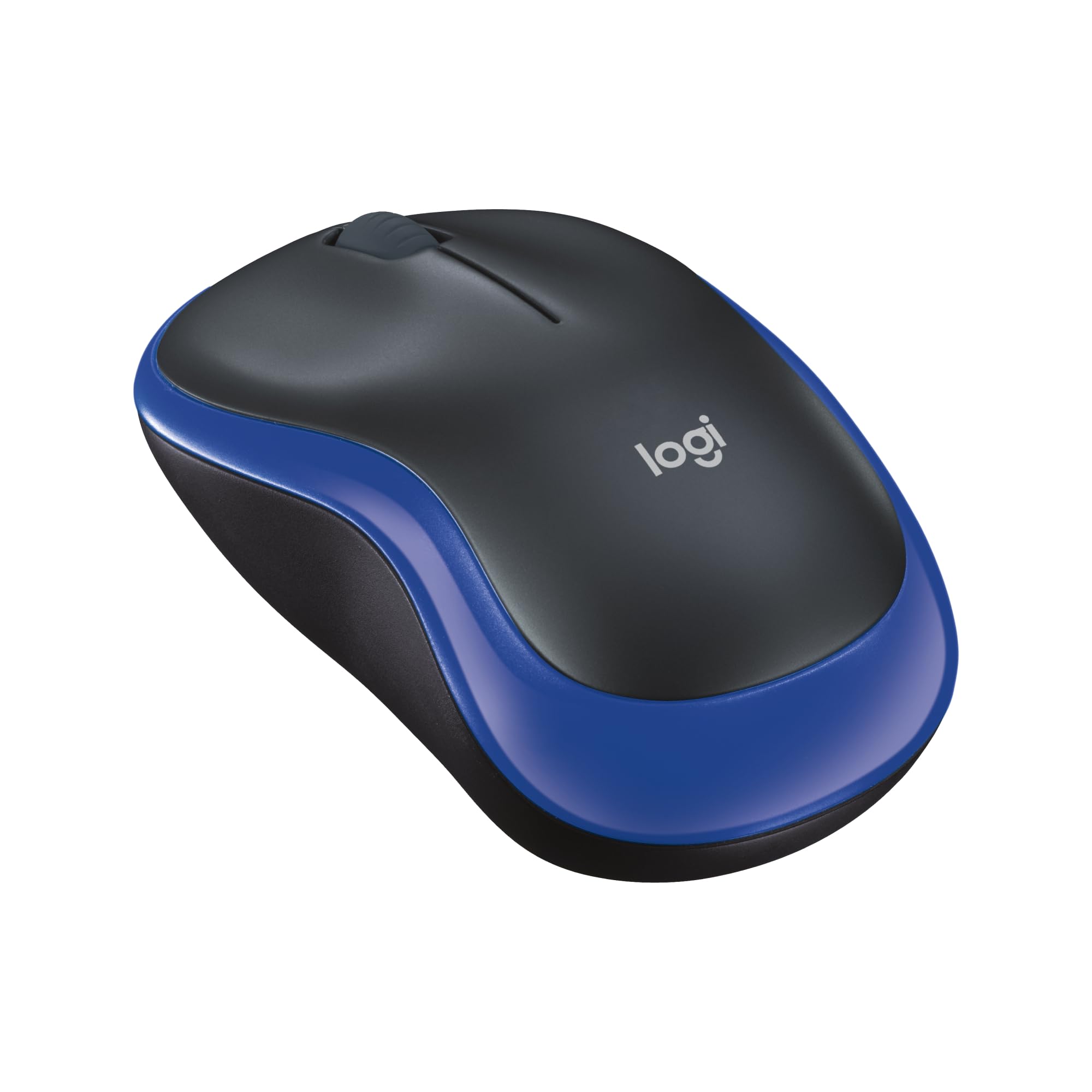
Feature: Dual mode working manner: 2.4G wireless and bluetooth 5.0 connection, fit almost all laptop, pad, smart tv and desktop. Built-in rechargeable battery: One time fully charging can support more than one month working life. (based on 8 hours non-stop use per day). Noiseless click and ergonomic design: Quiet clicks make you concentrate on working without disturbing others. Ergonomically design and soft rubber grips bring you more comfortable using experience. Adjustable DPI: Press the left key+scroll wheel at the same time to adjust DPI level, which can provide sensitivity and precise tracking on a wide range of surfaces. Meet your multiple needs. Universal compatibility: Bluetooth mode supports Bluetooth enabled devices with Windows / Android / MAC OS system; 2.4GHz model works with PC, laptop and any device having USB port by just plug in the USB receiver. Specification: Operation mode: Opto-electronic Working manner: 2.4G wireless and Bluetooth 5.0 Power: Built-in rechargeable battery Working distance: 10m/33ft DPI: Adjustable (press the left key+scroll wheel at the same time to adjust DPI level) Key life: 5 million times Mouse Size: 10.2x5.7x3cm/4.0x2.2x1.2in How to use: Bluetooth 5.0 mode connection steps: 1, Turn the mouse switch from OFF to ON 2, Press the pairing key, blue light flash one time (it means the mouse is working in bluetooth mode) 3, Press the pairing key 2-3 seconds, blue light flash always. 4, Open the mouse set page of your computer, find out RM-02001 mouse and pair it. USB 2.4G mode connection steps: 1, Turn the mouse switch from OFF to ON 2, Press the pairing key, green light flash one time (it means the mouse is working in 2.4G mode) 3, Plug the USB receiver into the USB port. 4, The mouse will be connected automatically.
Customer reviews
10 Trustpilot reviews total, with 2 shown at a time.
I wrote to Bigamart's customer support and they accompanied the process of reshipping the item until it finally arrived. I felt a genuine effort to solve the problem till it was finally solved.
The package was here in Australia from England in a few days — so quick! Something was missing and they refunded it straight away. Pretty happy with these guys.
You might also like