Brinonac
✓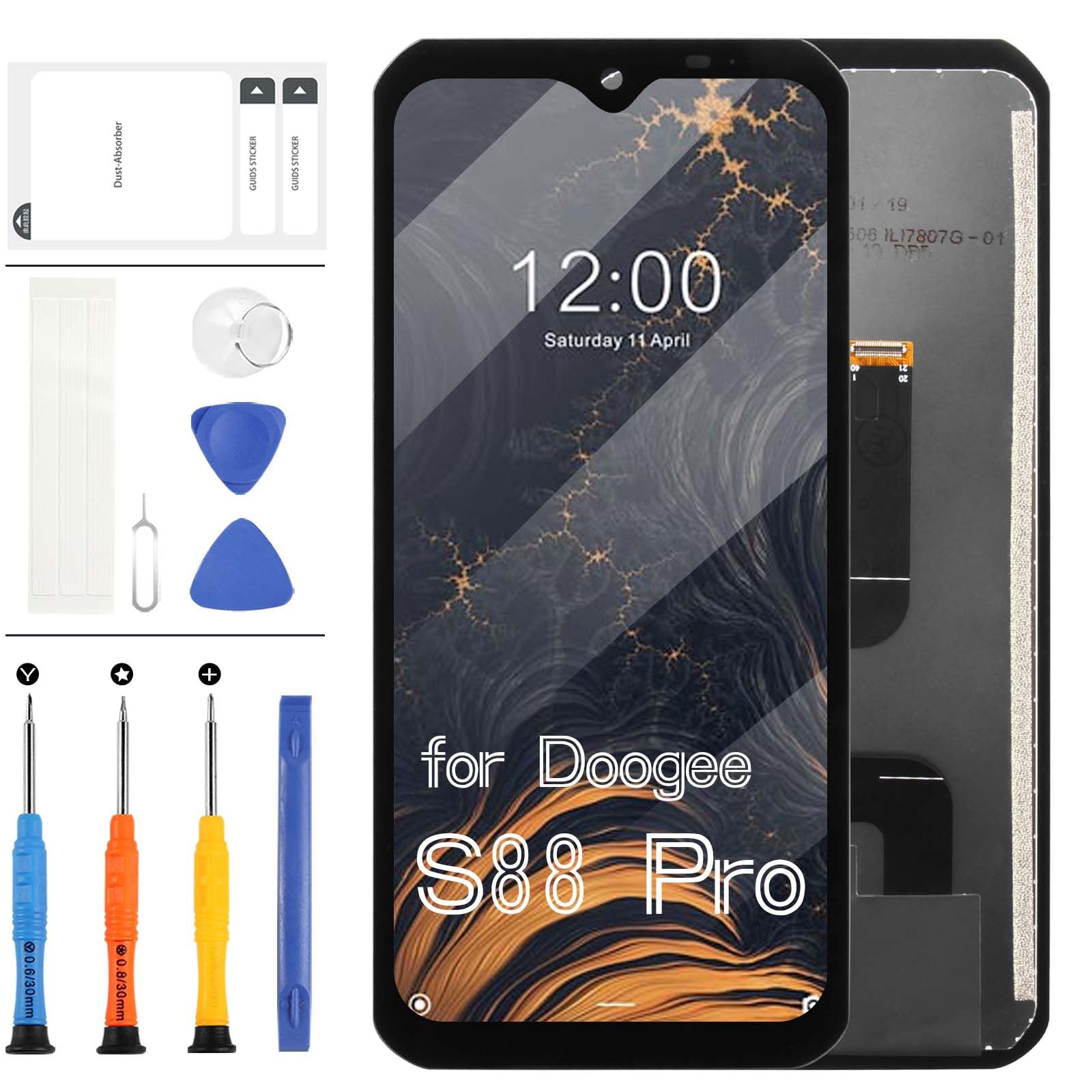
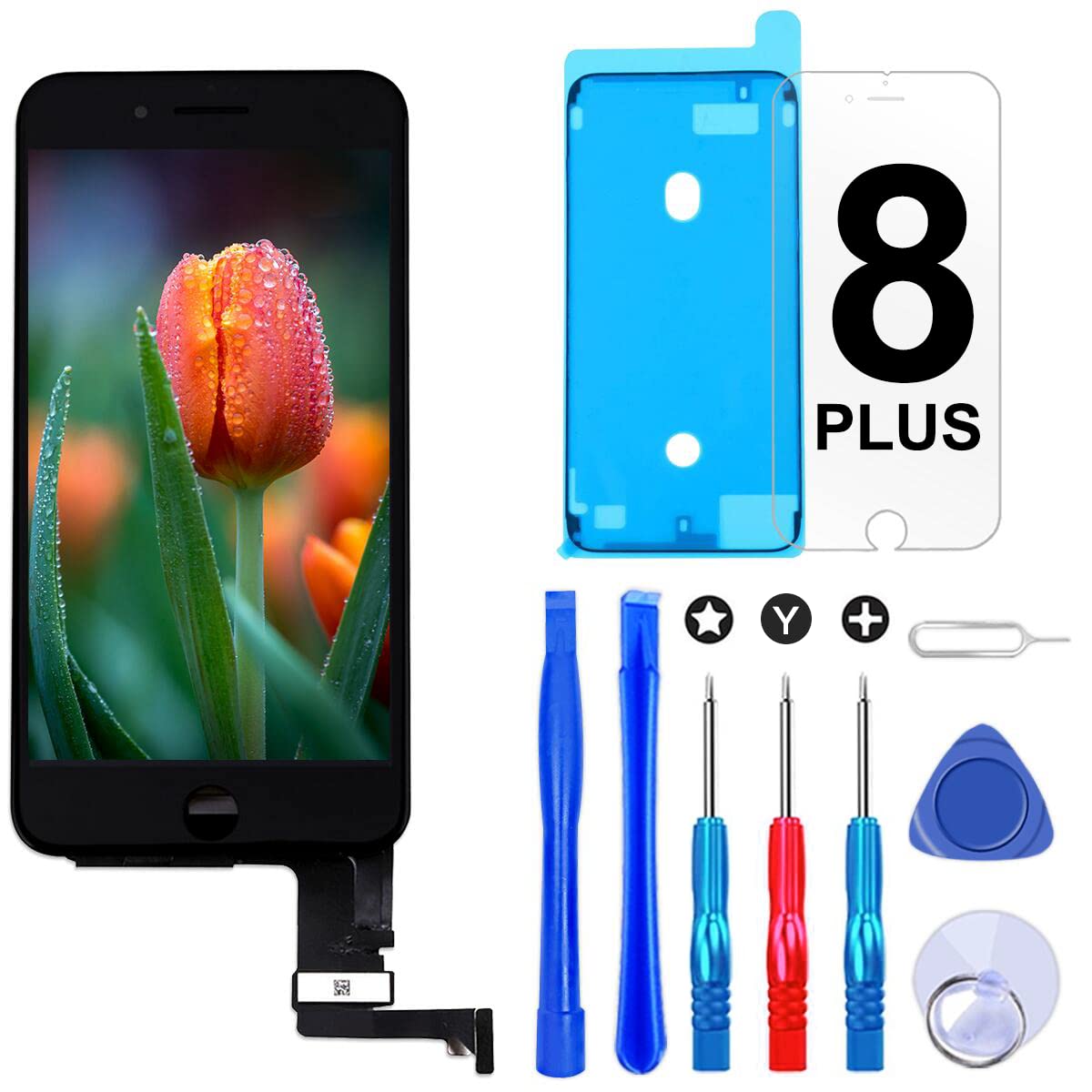
Our Screen Is High Quality LCD Display Touch Screen Digitizer Assembly Matrix Sensor Glass Panel Full Replacement Repair Parts Kits For Doogee S88 Pro Product Description: -Material: TFT LCD (Not Original) -Suitable For: For Doogee S88 Pro LCD Display Touch Screen Digitizer Assembly Replacement Kits -Model Number: For Doogee S88 Pro -Size: 6.3 Inch -Resolution: 1080x2340 pixels Package Including: 1x For Doogee S88 Pro LCD Display Touch Screen Digitizer Assembly Replacement Kits 1x Free Tape 1x a set of special removal tools (2x screwdrivers 1x plastic spudger 2x Open Shell Fragments 1x suction cup) Installation Precautions: 1. Before starting the replacement work, please disconnect the battery cable from the device and make sure your phone is turned off. 2. Check whether there is dust or debris between the cable and the motherboard, otherwise it is easy to damage the screen and the phone. 3. Do not apply pressure to the corners of the LCD panel. 4.Please do not bend the cable in the wrong way, so as not to tear the flexible cable. 5. If you are not professional in maintenance, or have no experience in repairing electronic equipment, we do not recommend you to replace the screen by yourself. Take it to a repair shop for help to save you time and money. Or find the relevant installation video on the YouTube platform and follow the installation steps to install. After-sale Service: If have any problem about your order,please do not hesitate to contact our customer service team,we will kindly provide help within 24 hours. We provide 3 months warranty,as long as screen without any man-made or physical damage,we can exchange a new when it can not work normally,you can feel free to order it.
Customer reviews
10 Trustpilot reviews total, with 2 shown at a time.
I wrote to Bigamart's customer support and they accompanied the process of reshipping the item until it finally arrived. I felt a genuine effort to solve the problem till it was finally solved.
The package was here in Australia from England in a few days — so quick! Something was missing and they refunded it straight away. Pretty happy with these guys.
You might also like