Brinonac
✓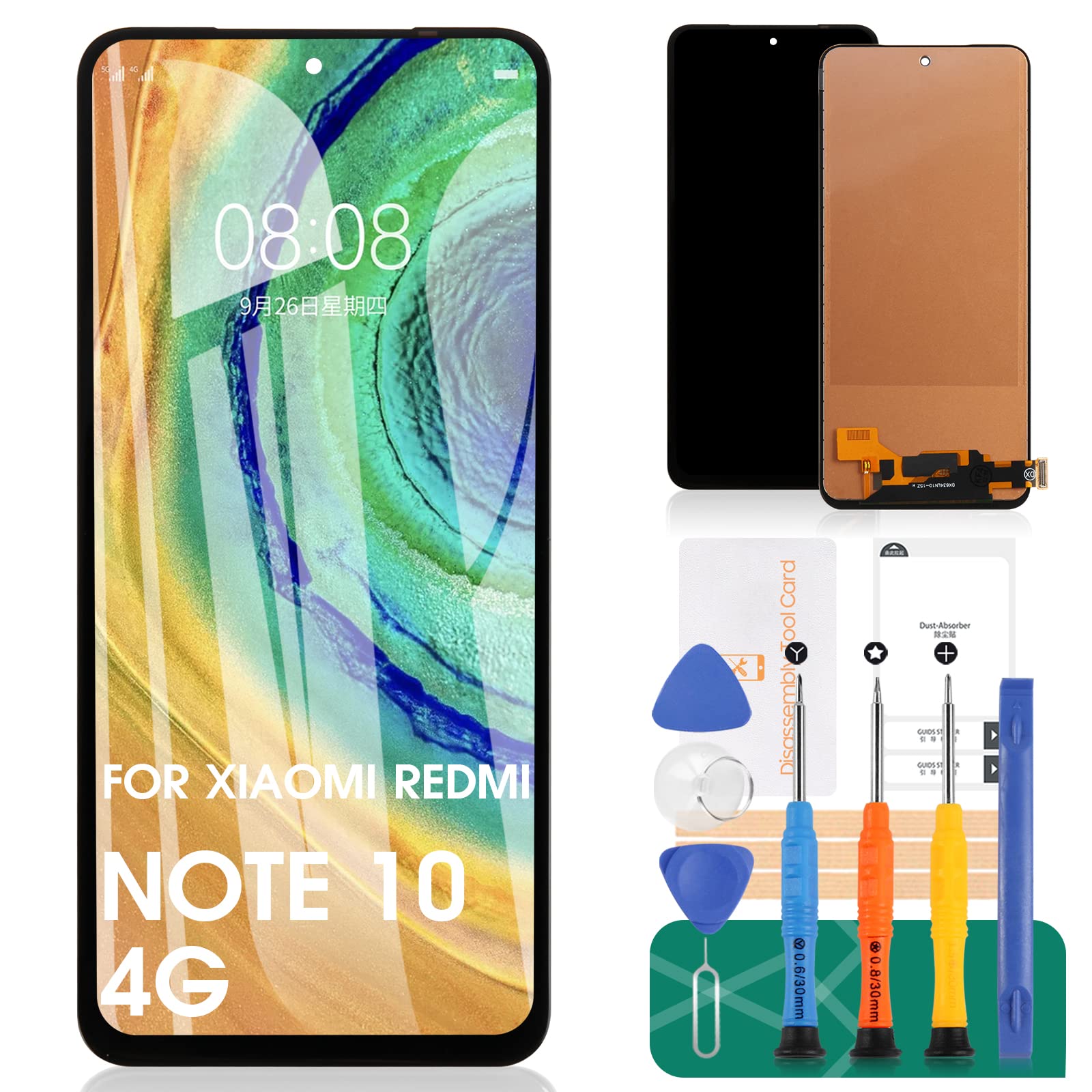
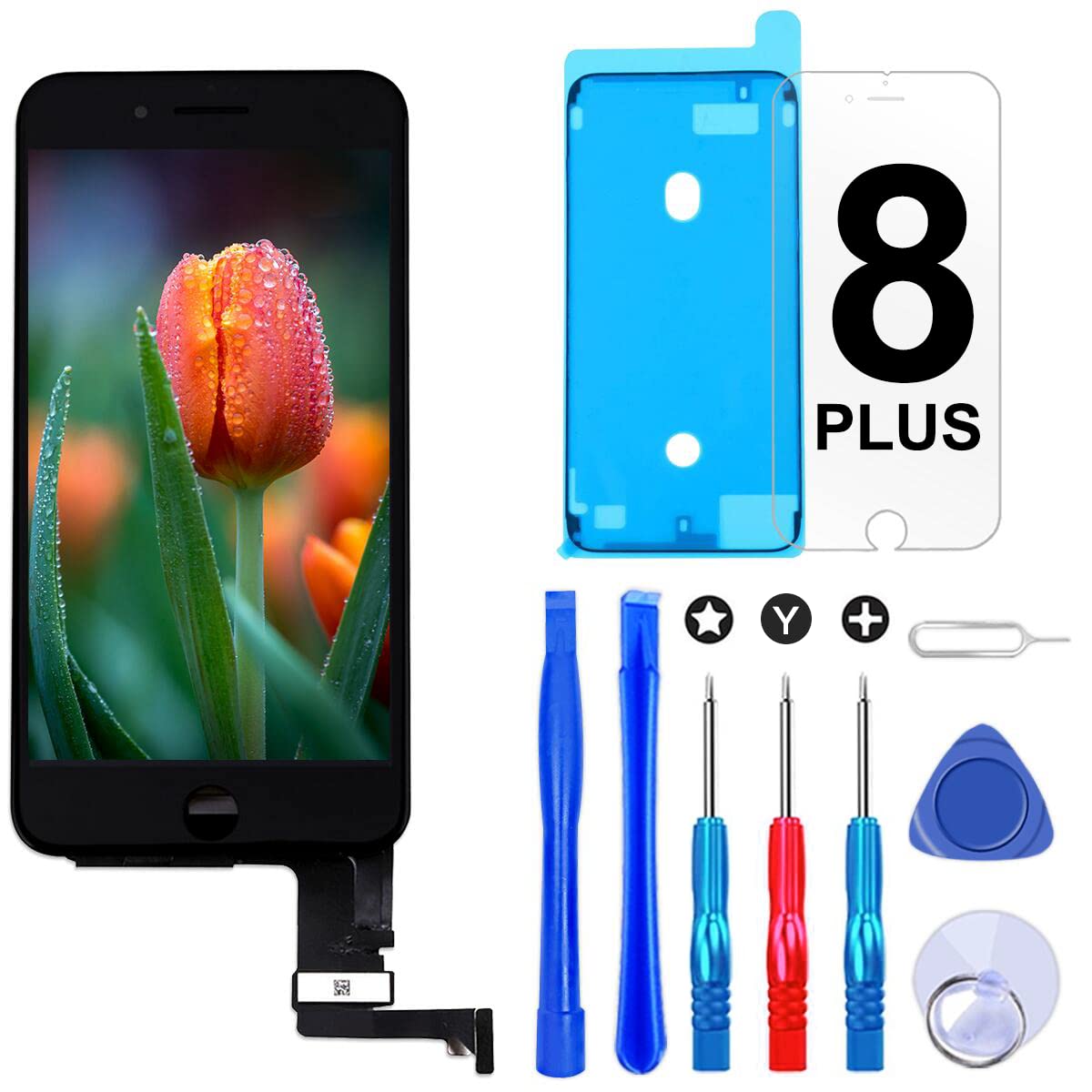
Description Our screen is high quality LCD display, touch screen digitizer assembly replacement kits for Xiaomi Redmi Note 10 4G/Note 10S Product description: - Material: Incell - Suitable for: For Xiaomi Redmi Note 10 4G/Note 10S LCD Display Touch Screen Digitizer Assembly Replacement Kits - Model Number: M2101K7AI, M2101K7AG,M2101K7BG, M2101K7BI, M2101K7BNY, M2101K7BL - Size: 16.43 cm. - Resolution: 1080 x 2400 pixels. Package includes: 1 x LCD Display Touch Screen Digitizer Assembly Kit 1 x Adhesive Tape 1 x set of special removal tools. Installation Notes: 1. Check if the product is in good condition and test it before installation. Do not remove protective film or labels during the test. Pay attention to static problems. 2. The screen is glass, which is a very fragile product. Testing before installation is highly recommended 3. Do not bend the cable. During installation and testing, make sure the LCD cable is not bent. Curvatures of more than 90 degrees lead to a black view. 4. If your phone has a black screen during installation, press and hold the power button and volume button at the same time. If the phone vibrates, it is because the main line is not properly installed. Then reinstall the product. 5. If you are not professional in maintenance or have no experience in repairing electronic devices, we recommend that you do not replace the screen yourself. Bring it to a repair shop to save you time and money. Or find the corresponding installation video on the YouTube platform and follow the installation steps to install.
Customer reviews
10 Trustpilot reviews total, with 2 shown at a time.
I wrote to Bigamart's customer support and they accompanied the process of reshipping the item until it finally arrived. I felt a genuine effort to solve the problem till it was finally solved.
The package was here in Australia from England in a few days — so quick! Something was missing and they refunded it straight away. Pretty happy with these guys.
You might also like