No image
QWORK
✓Soldering & Desoldering Kits
QWORK® 3Piece Solder Removal Tool Set, Solder Sucker Pump, No-Clean Solder Wick, and Wire Cutter Pliers, for DIY Electronics
$7.38
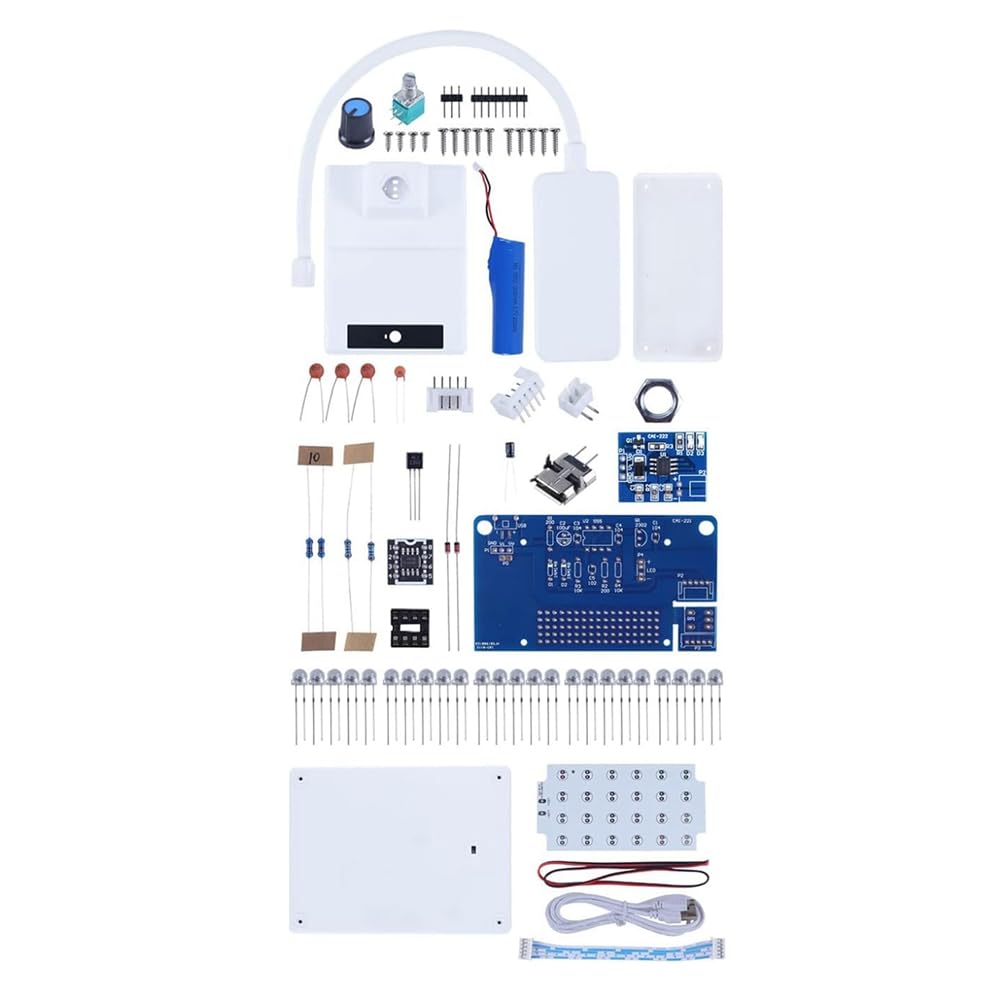
ViewProduct description To enable every ordinary person to modify the displayed pattern (rather than a professional electronic engineer), we have created a 3D animation software on the PC computer. This is a quite simple software, in this software, you can use the mouse to light up or turn off each light on the light cube. After making the pattern with the mouse, package the coordinates for the movement of the pattern, the pattern will move; or, you can also use the mouse to make several 3D patterns, and then let these patterns display in sequence, thus forming the effect of 3D animation, which is much simpler than using C language to modify the displayed pattern. You can obtain and try this 3D animation software in electronic files. Directions 1. Prepare an electric soldering iron and soldering wire. 2. Solder it yourself. 3. Use 3D animation software on PC to change the displayed pattern. 4. Use 5V 2A USB Power Adapter or Portable USB Charger for Power Supply. Safety Warning Welding required. Warning! Not suitable for children under 14 years.
Customer reviews
10 Trustpilot reviews total, with 2 shown at a time.
I wrote to Bigamart's customer support and they accompanied the process of reshipping the item until it finally arrived. I felt a genuine effort to solve the problem till it was finally solved.
The package was here in Australia from England in a few days — so quick! Something was missing and they refunded it straight away. Pretty happy with these guys.
You might also like