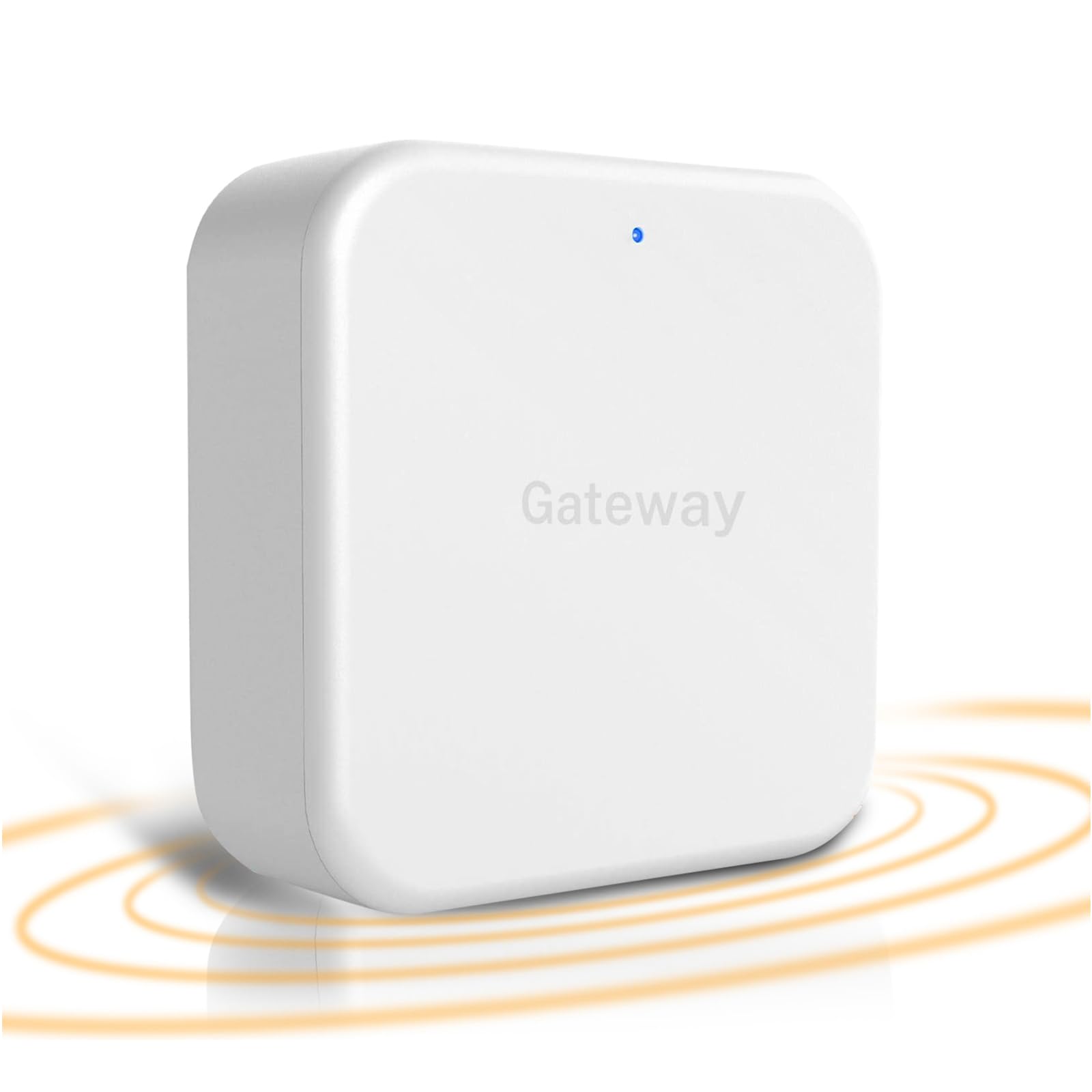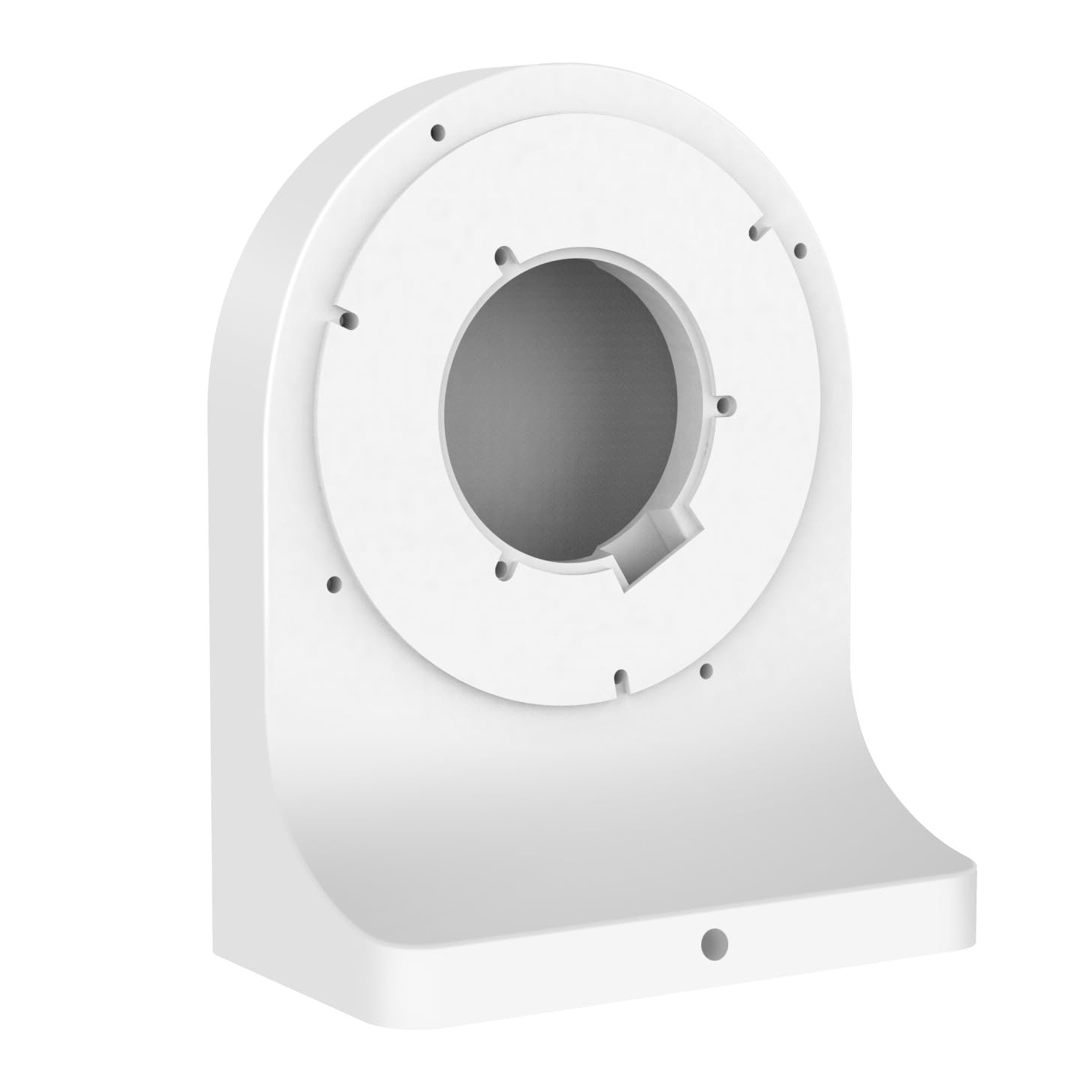

HeavenBird G2 Wi-Fi Gateway Bluetooth Gateway for TT Lock App and DD Lock App, Gateway for Smart Door Lock, Wi-Fi Bridge, G2 Hub, Remote Control Smart Fingerprint Lock, Work with Alexa Voice Control
About this item
- Wide Compatibility: Works for HeavenBird smart door lock and other electronic door locks that use TTLock or DDLock App. First of all, please make sure your smart door lock is compatible with our G2 gateway. Please download the TTLOCK APP and pair it with your smart door lock. If the lock is connected, it means this is a TTLOCK or DDLOCK and is compatible with our G2 gateway.
- Remotely Control: Lock/unlock your door even if you are away from home. Set, change, delete codes from anywhere anytime as you wish. No longer to be limited by Bluetooth distance. You can also check door status, battery life and activity logs remotely in real-time. Get Instant alerts who enters or exits your home.
- Broad Coverage: The standard distance between g2 gateway and the smart door lock is โค32ft. But we strongly recommend that the distance between locks and gateway is 10 feet for a strong connection. Otherwise, the connection of the Bluetooth gateway will be affected. Our gateway only works with 2.4G WiFi. When adding a gateway, your smartphone and the gateway must be connected to the same 2.4G Wi-Fi network, A Gateway can be paired with multiple electronic door locks, and there is no limit to the number of pairing. If the connection times out, please power off the gateway and reconnect.
- Smart Voice Control: Also compatible with Alexa and Google Home to realize voice control. Give you an intelligent smart home experience.
- Notice: With sustainability in mind and a reduced environmental impact, these products do not contain a 5V/1A power adapter, pls use DC5V1A micro usb power adapter to power for it.If you are unsure or have any questions about our ttlock gateway, please get in touch with us.
- To connect the Alexa: 1. Add the lock and G2 gateway using the TTLOCK or DDLOCK APP. 2. Enable the remote unlock function of the lock in the APP (this function is closed by default). Without this option, the lock does not support Alexa. 3. Add the Skill in the Alexa app and authorize it using the account number and password from the TTLOCK or DDLOCK APP. Once authorized, you can discover devices under the account. 4. Find the lock in the Alexa app, turn on the voice unlock function, and set the voice password.
Product description
First of all, make sure the smart door lock is compatible with our G2 gateway. Please download the TTLOCK APP or DDLOCK and pair it with your smart door lock. If the lock is connected, it means this is a TTLOCK or DDLOCKand is compatible with our G2 gateway. Specifications: Dimensions: 7 cm * 7 cm * 2.5 cm. Power interface: Type-C USB. Power input: DC 5V/500mA. Network requirements: WIFI 2.4G IEEE standard: 802.11b/g/n Note: 1. It is WIFI bridge with bluetooth, so please keep the smart gateway to connect your door lock, also connect to your WIFI routine in the same network. If the connection times out, please power off the gateway and reconnect. 2. It is only work with smart door lock with TTLock or DDLock app. If you want to connect the G2 gateway with other smart home devices, please contact customer service for confirmation. If you have any questions, please feel free to contact Customer Service Support. To connect the Alexa: 1. Add the lock and G2 gateway using the TTLOCK APP. 2. Enable the remote unlock function of the lock in the APP (this function is closed by default). Without this option, the lock does not support Alexa. 3. Add the Skill in the Alexa app and authorize it using the account number and password from the TTLOCK or DDLOCK APP. Once authorized, you can discover devices under the account. 4. Find the lock in the Alexa app, turn on the voice unlock function, and set the voice password. 5. You can operate the lock via Alexa now. To connect Google Home: 1.Add lock and gateway using the smart lock App. 2. Enable remote unlocking feature for lock in the App (this feature is disabled by default). If this option is not available, the lock does not support Google Home. 3. Install the Google Home app and tap the + button in the top left corner. 4. In the settings page, select Work with Google. 5. Search for "ScienerSmart" and authorize with your smart lock App account and password. 6. Set a security code in the smart lock app to use when unlocking with Google Home.
Product details
Customer reviews
What customers say about Bigamart
10 Trustpilot reviews total, with 2 shown at a time.
I wrote to Bigamart's customer support and they accompanied the process of reshipping the item until it finally arrived. I felt a genuine effort to solve the problem till it was finally solved.
The package was here in Australia from England in a few days โ so quick! Something was missing and they refunded it straight away. Pretty happy with these guys.
You might also like
Similar items


Burg-Wachter 6" Cash Box - Black, 152 x 80 x 115, CB01BK

2 Pack of Burglar Alarm Door/Window Contact Detectors - Wired - White - Professional Quality

Dummy Alarm Box Blue lens Long Lasting Strobe Flashing LED 2-3 Year Battery Life 2019 Version