TP-Link
⏳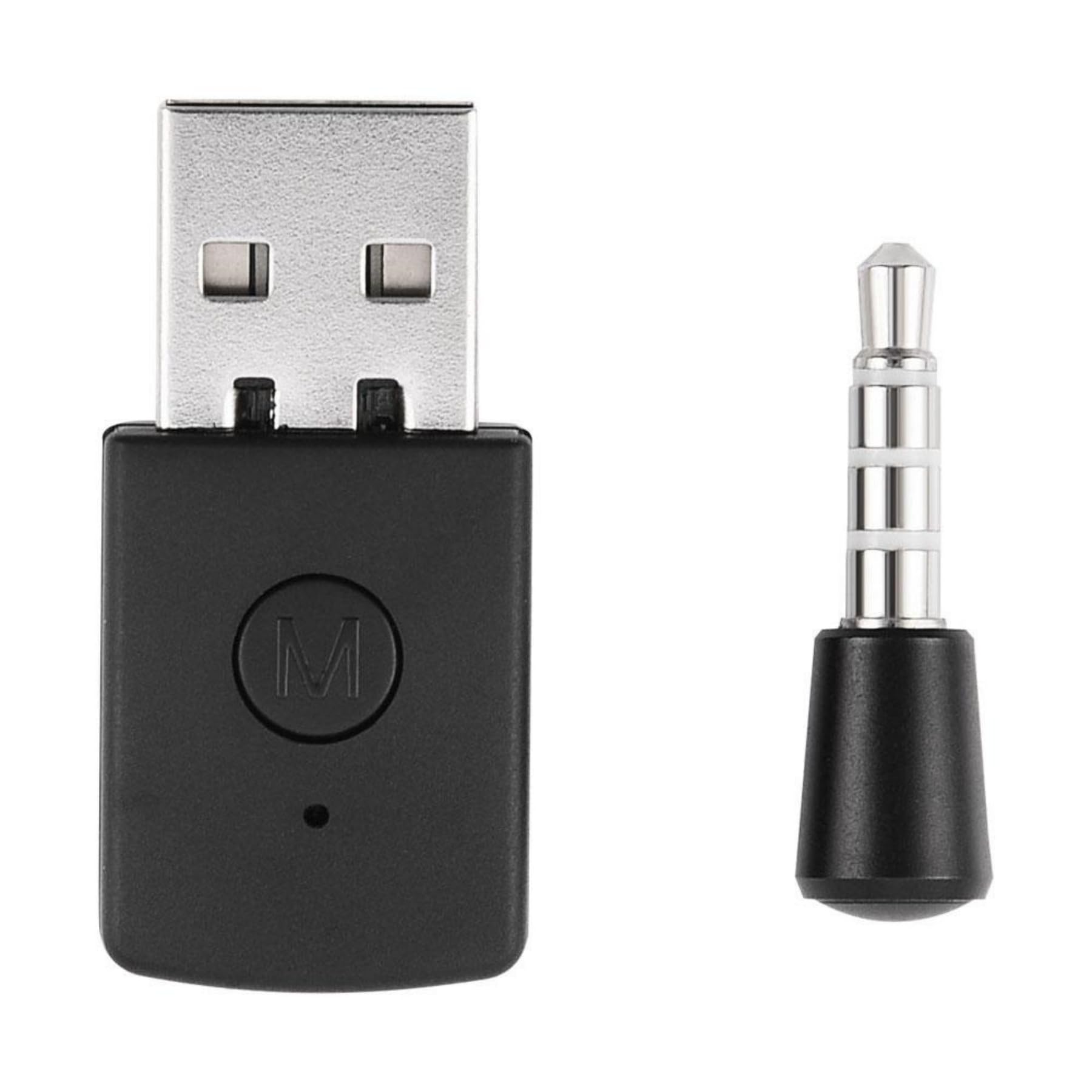
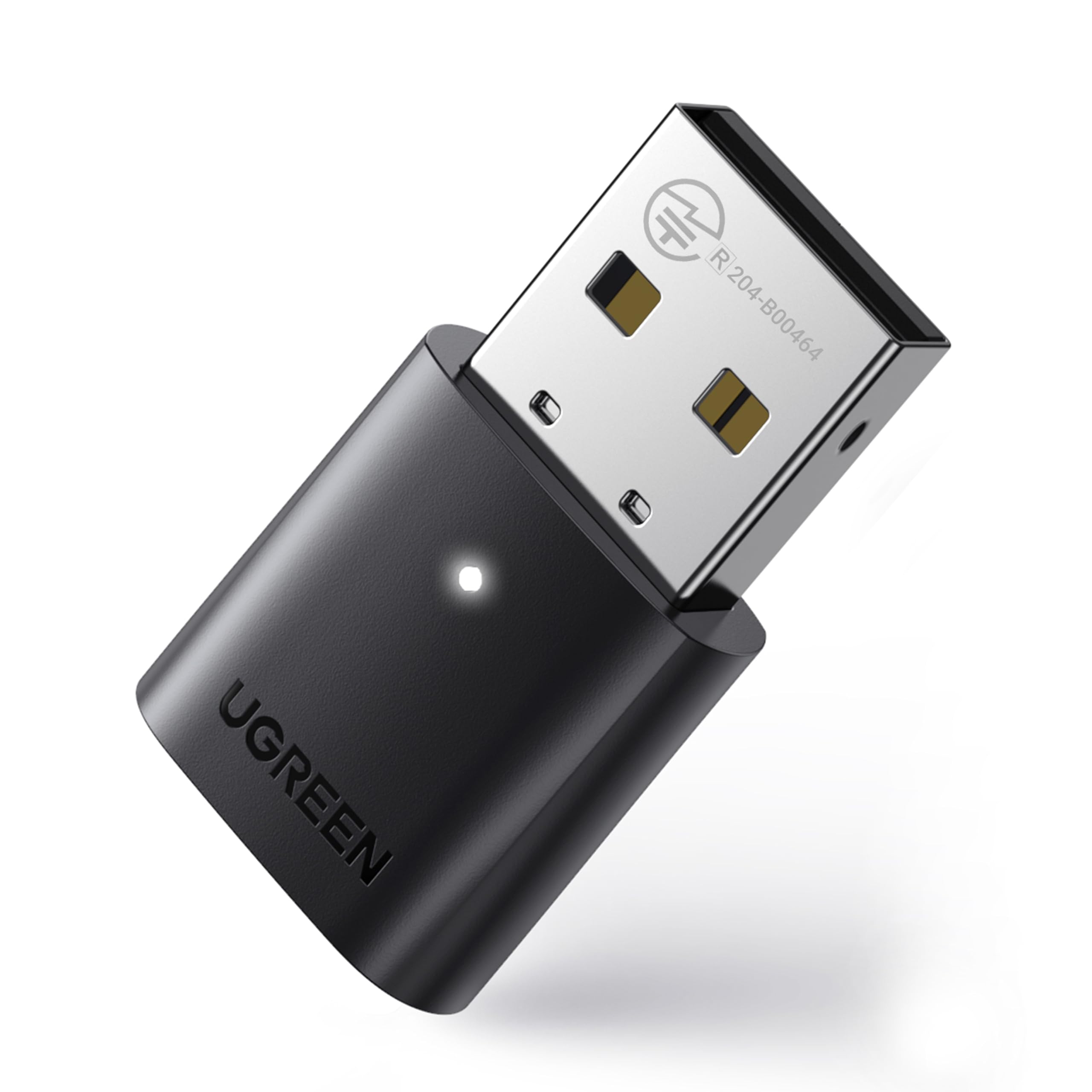
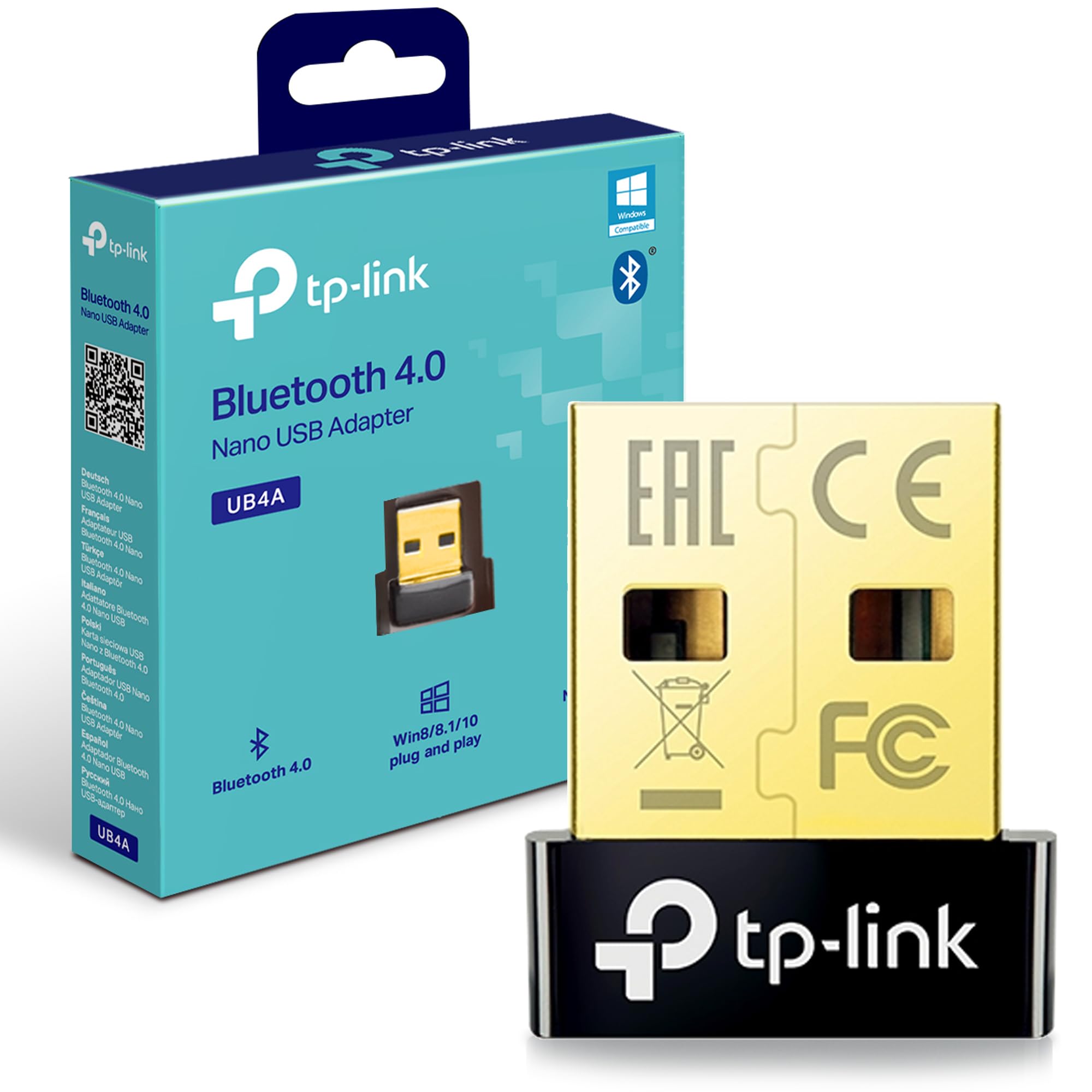
Specifications: Standard: Bluetooth 4.0 USB standard: USB2.0 Transmission Range: 10M Connection ways: Piconet / Scatternet Support Bluetooth protocol: A2DP, HFP, HSP Output Power: 0-+4dBm Receiving Sensitivity: -75dB Frequency Band: 2.4G ISM band Audio decoding: 16bit decoding Working Voltage: 5V Color: Black Package Weight: 23g Size of the Transmitter: 3.5*2.0cm / 1.38*0.79 inch Length of the Receiver: 1.10 inch Instructions of Use: Turn on the game controller, insert the dongle into the USB ports. Press the dongle button 2 seconds, the LED indicator starts flashing slowly, which means dongle entering the pairing mode. Turn on your Bluetooth headset and pair it. The LED indicator will turn blue when connecting successful. The Bluetooth headsets and the Bluetooth dongle will automatically pair in the next time you use. Installation method: 1. First turn on the power of the PS4 console and handle. 2. Insert the 3.5mm microphone into the handle, and then insert the USB adapter into the PS4 host (you need to press the work switch on the adapter, the Bluetooth headset needs to turn on the pairing state, you may need to manually click pairing confirmation, the adapter light flashes quickly is the search state, the light flashes slowly is the non connected state, the adapter light is always on, it is connected, and the device can be connected automatically next time you use it). 3. The Bluetooth headset that can be used requires Bluetooth version 4.0 or higher, otherwise it cannot be connected. Package Included: 1 x Bluetooth Dongle USB Adapter for PS4
Customer reviews
10 Trustpilot reviews total, with 2 shown at a time.
I wrote to Bigamart's customer support and they accompanied the process of reshipping the item until it finally arrived. I felt a genuine effort to solve the problem till it was finally solved.
The package was here in Australia from England in a few days — so quick! Something was missing and they refunded it straight away. Pretty happy with these guys.
You might also like