Nartel
⏳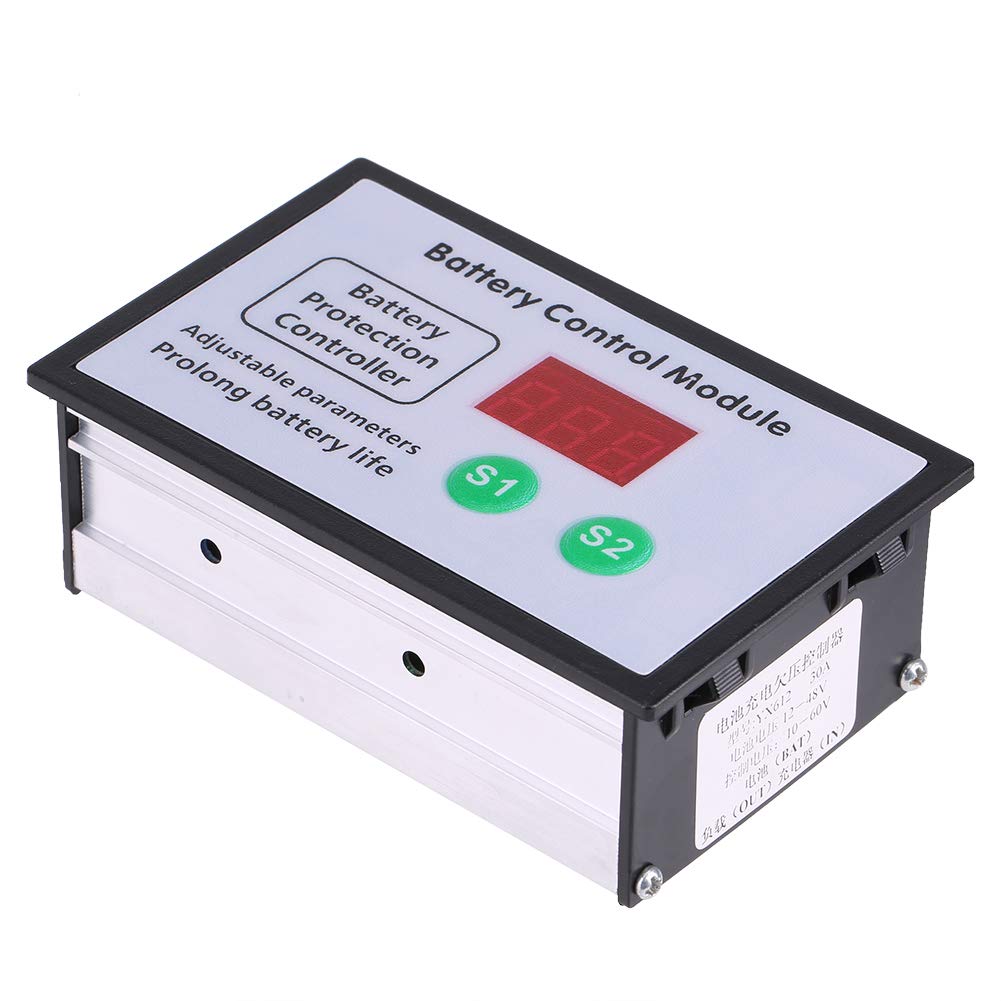
Descriptions: This battery control module, features automatic charging, automatic power off, suitable for storage batteries and lithium batteries. Parameters is adjustable and can be saved in memory after power failure. Specification: Control Voltage: 10V-60V Control Current: 30A Control accuracy: 0.1V Voltage Deviation: ±0.1V Application: storage batteries and lithium batteries Size: Approx. 9.5*6*3.3cm / 3.7*2.3*1.2inch Weight: 110g Product settings: For example: Take 12V battery for example. Press S1 key until the digital tube flash to set the over-voltage is 14.4V. Press S2 key until the digital tube flash to set the under-voltage is 10.5V. When the battery is below 10.5V, the load should be disconnected after 6 seconds delay. If the battery voltage is restored to more than 10.5V in 6 seconds, the load will continue to work and the delay will be operated not properly due to the fluctuation of the battery voltage when the large current load is started. Voltage setting method: S1 over-voltage: charging stop voltage or load start voltage At normal mode, press S1 button to show current over- voltage value. Press and hold S1 button till display flashes, then adjust over-voltage value by pressing S1 and S2 button. S2 under-voltage: charging start voltage or load stop voltage At normal mode, press S2 button to show current under- voltage value. Press and hold S2 button till display flashes, then adjust under-voltage value by pressing S1 and S2 button. At normal electricity mode, Press and hold S1 and S2 button till the digital tube display 888, then the original factory settings is completed successfully. Package Included: 1 x Battery Control Module
Customer reviews
10 Trustpilot reviews total, with 2 shown at a time.
I wrote to Bigamart's customer support and they accompanied the process of reshipping the item until it finally arrived. I felt a genuine effort to solve the problem till it was finally solved.
The package was here in Australia from England in a few days — so quick! Something was missing and they refunded it straight away. Pretty happy with these guys.
You might also like