AVENT
✓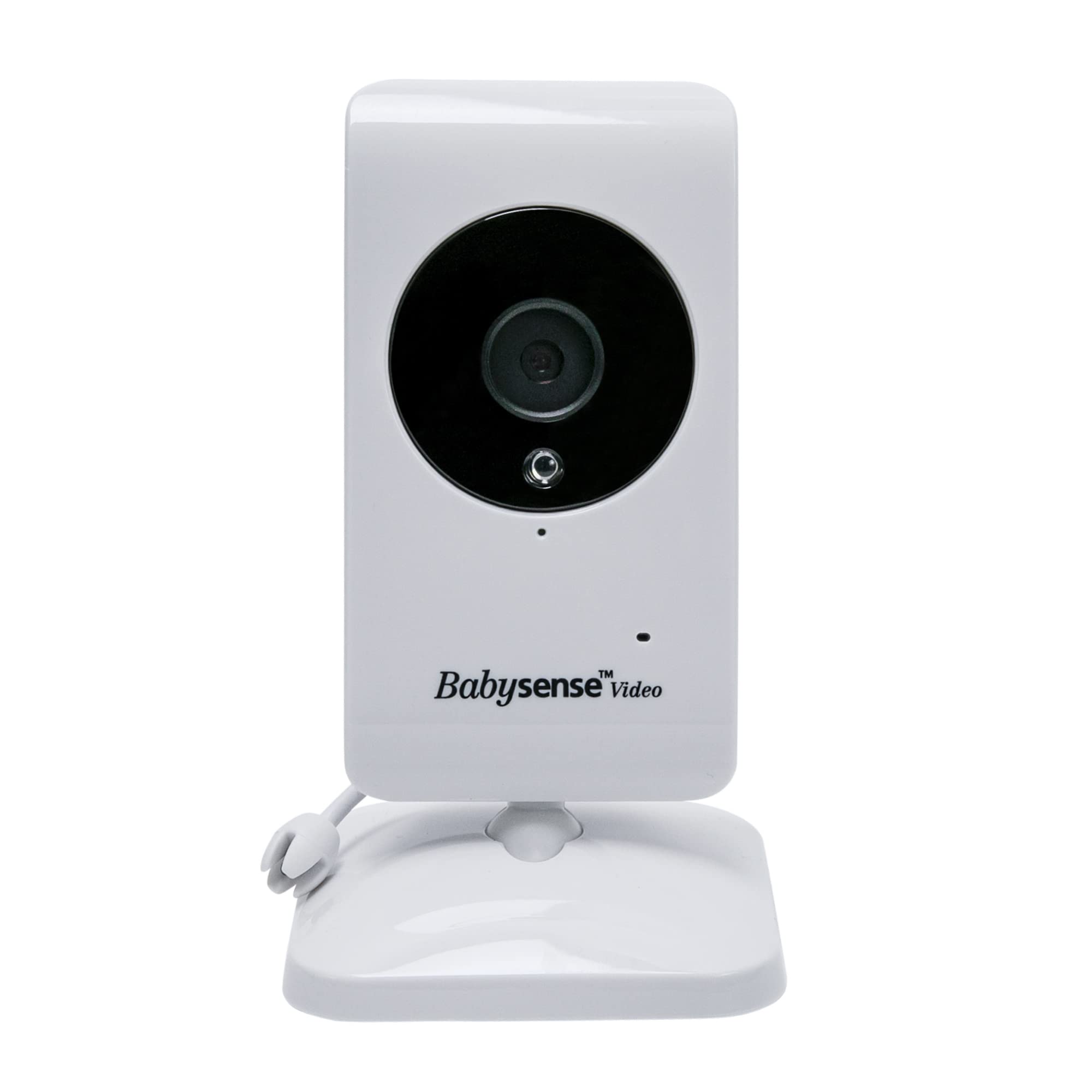
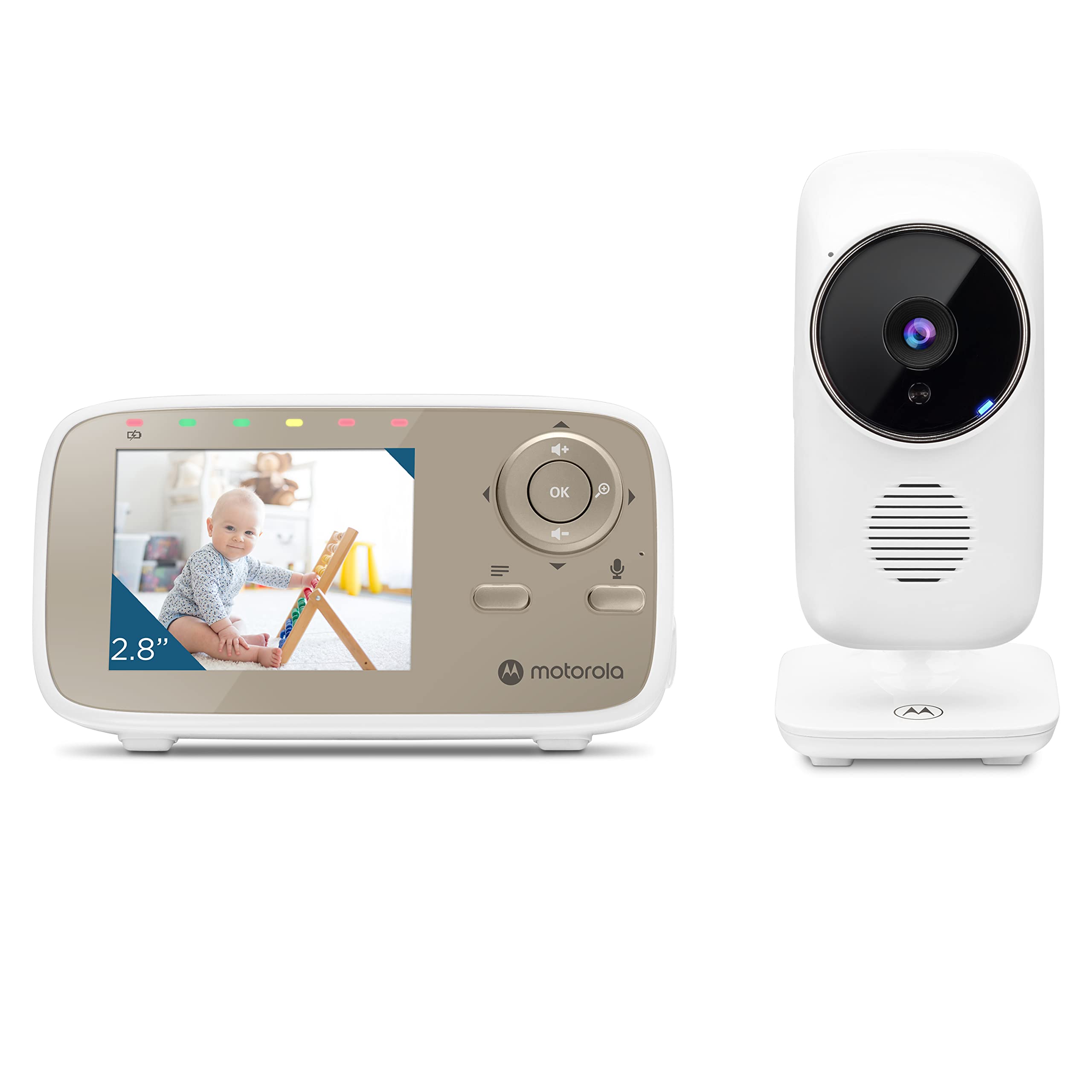
-Additional Babysense Camera - can be used with Babysense V24R Monitor ONLY. - Allows pairing up to 4 cameras to your V24R Parent Unit. CANNOT BE PARIRED TO OLDER V24US OR ANY OTHER MODEL!!! - Includes camera unit power adapter. PAIRING THE ADD-ON CAMERA (BABY UNIT) WITH YOUR V24R PARENT UNIT To renew the pairing of your units or pair a new/additional Baby Unit, follow the procedure below: Note: Before you begin pairing, be sure to have the Baby and Parent Units side by side and turned on. On the Parent Unit press the MENU/OK key and the menu screen will be displayed. Press the LEFT key or RIGHT key until the PAIR icon is highlighted in red. Press the MENU/OK button and a secondary menu with camera options will pop up. Then press LEFT or RIGHT key to select the desired camera to pair. Press MENU/OK key to start the pairing. While the LED is flashing, press and hold for few seconds the PAIR button in the back of the camera. Once paired, an image from the paired camera will display on the screen. If unsuccessful, please repeat above steps. Press the MENU/Exit key to Exit. Note: If there is more than one camera to be paired, repeat the above steps for each camera individually. CAMERA VIEW - SWITCHING BETWEEN THE PAIRED CAMERAS: This function is only available when two or more cameras are paired. Use the CAM option in the MENU to switch between the paired cameras. On the top of the LCD display you will see the number of the camera it is connected to. AUTOMATIC SCAN (LOOP) MODE: You can also chose the SCAN (loop) mode and each paired camera will be displayed on the screen for 10 seconds and then the screen will automatically change to the next paired camera.
Customer reviews
10 Trustpilot reviews total, with 2 shown at a time.
I wrote to Bigamart's customer support and they accompanied the process of reshipping the item until it finally arrived. I felt a genuine effort to solve the problem till it was finally solved.
The package was here in Australia from England in a few days — so quick! Something was missing and they refunded it straight away. Pretty happy with these guys.
You might also like