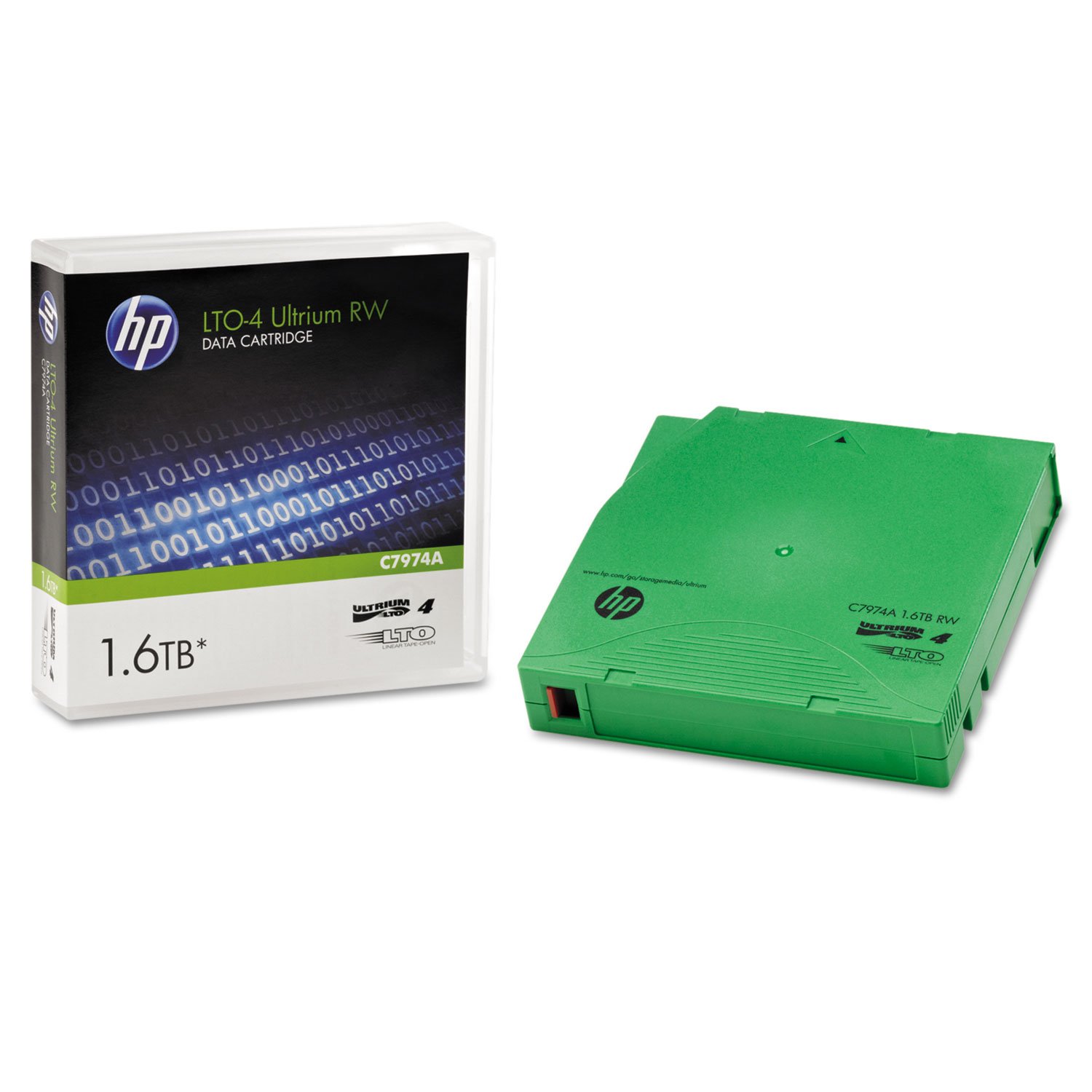
HP
⏳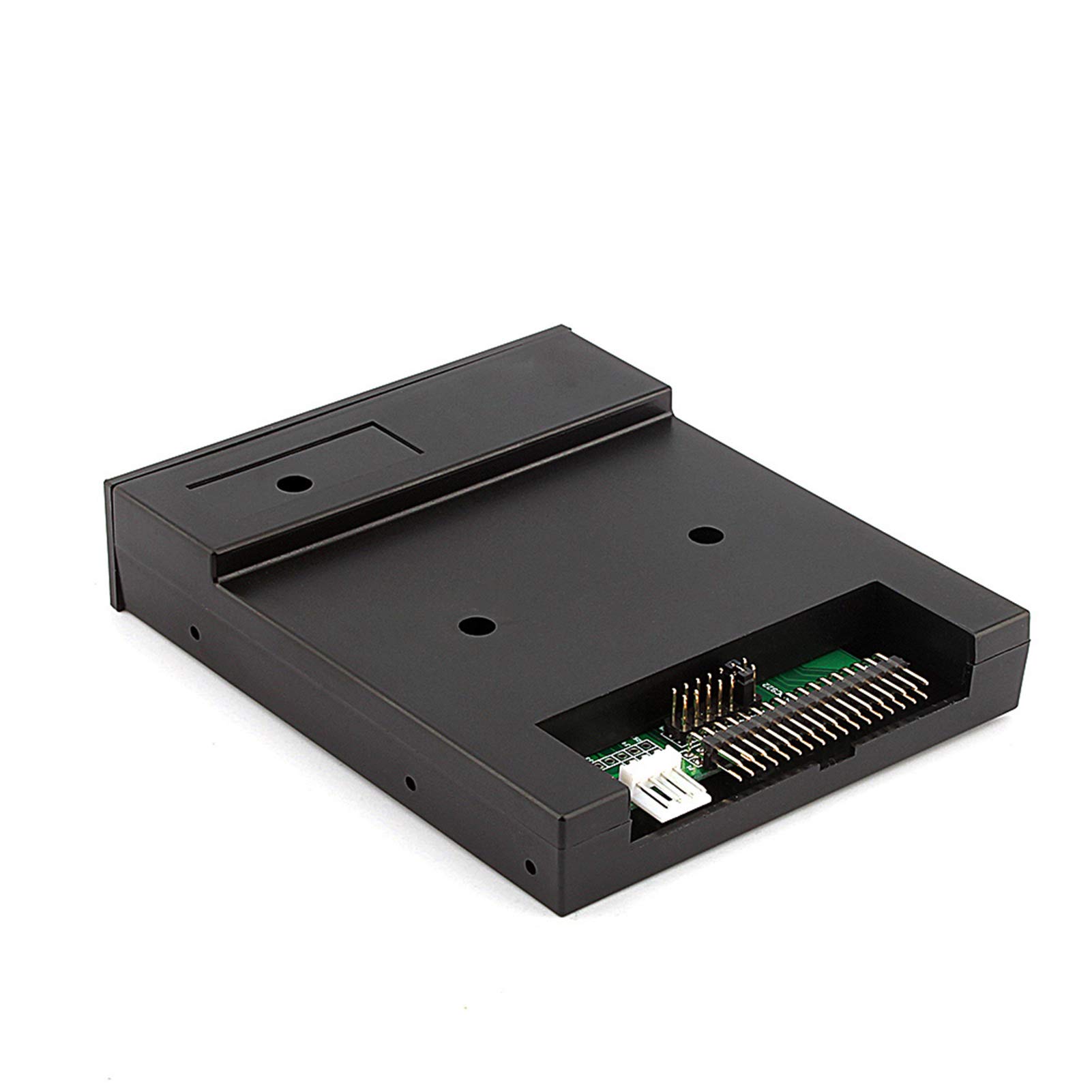
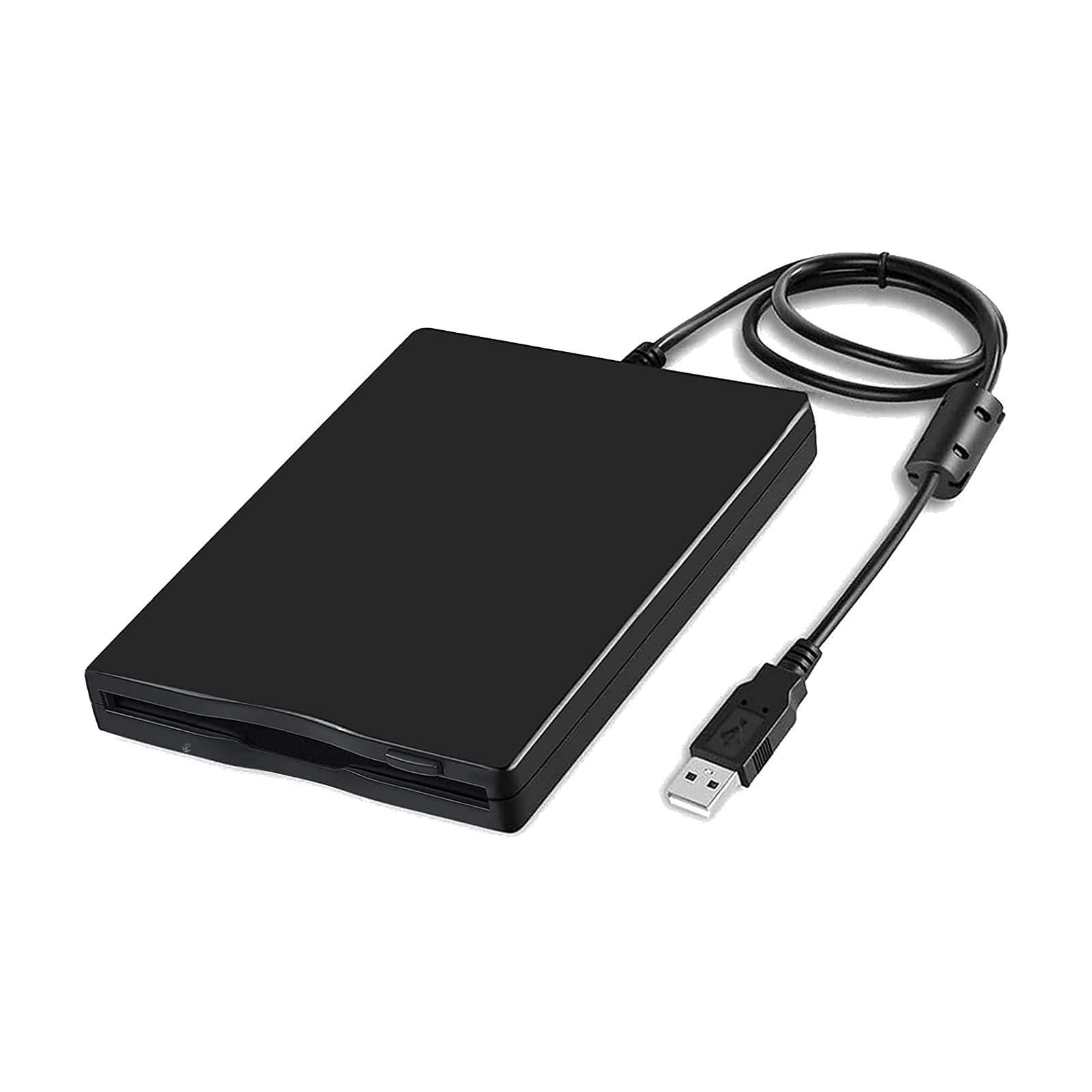
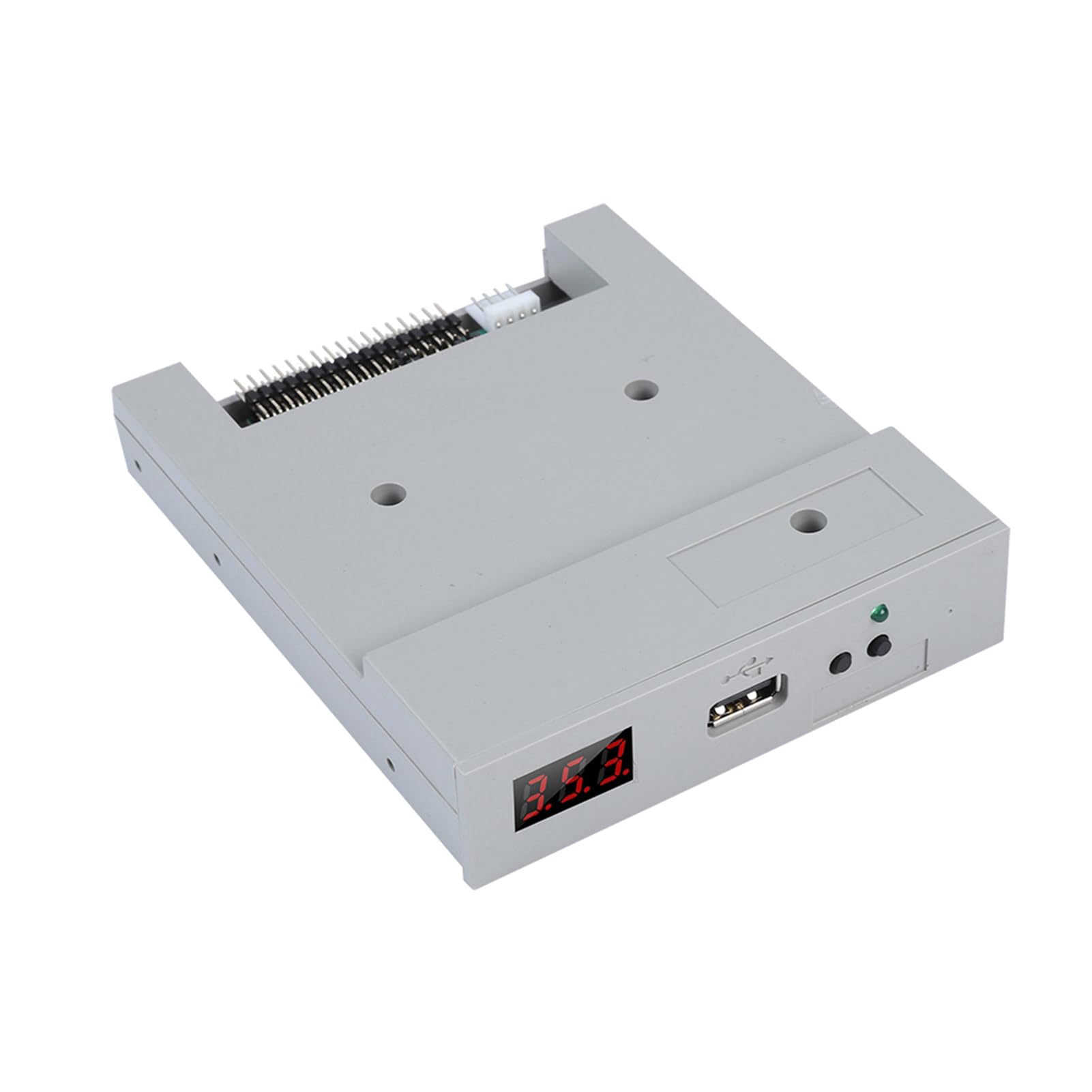
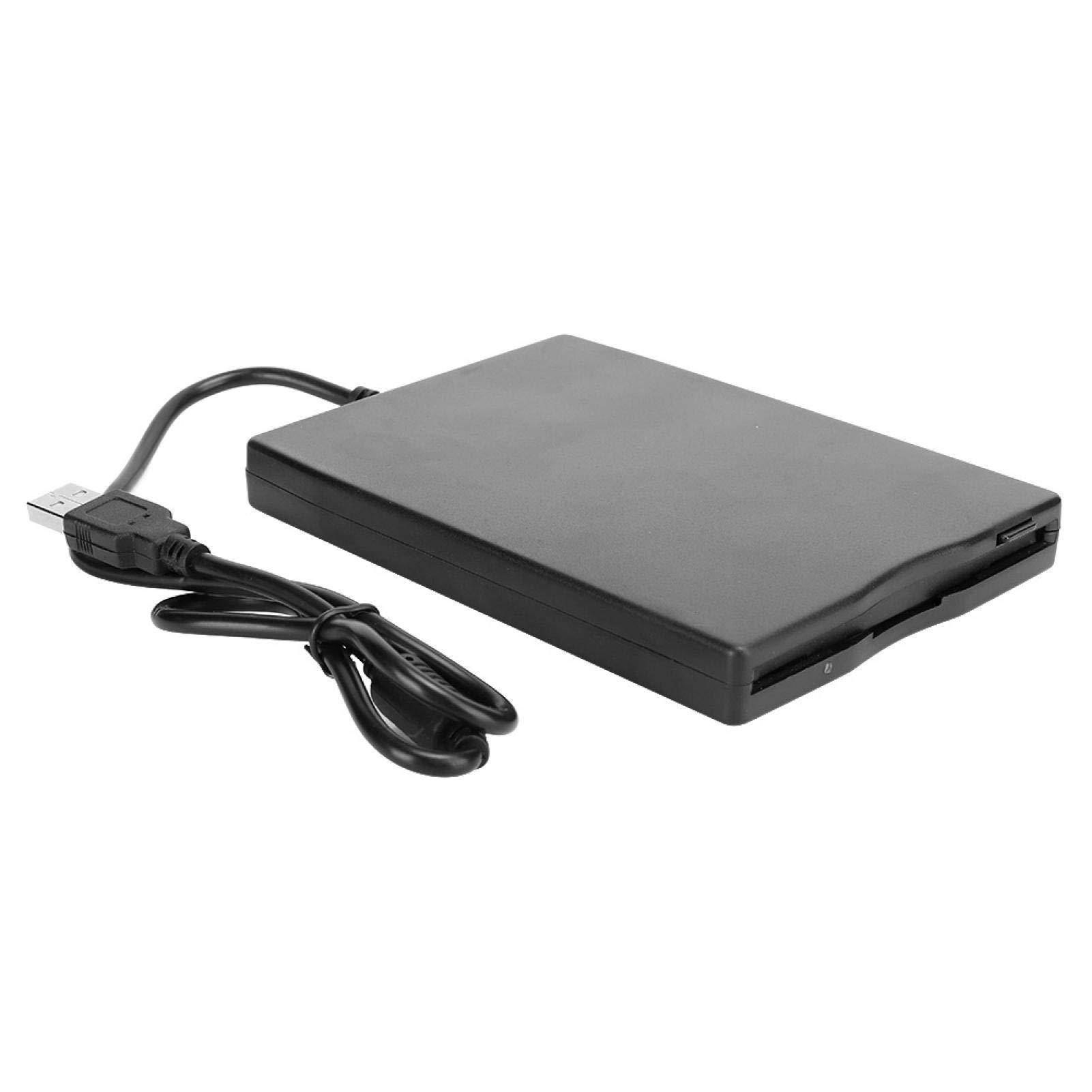
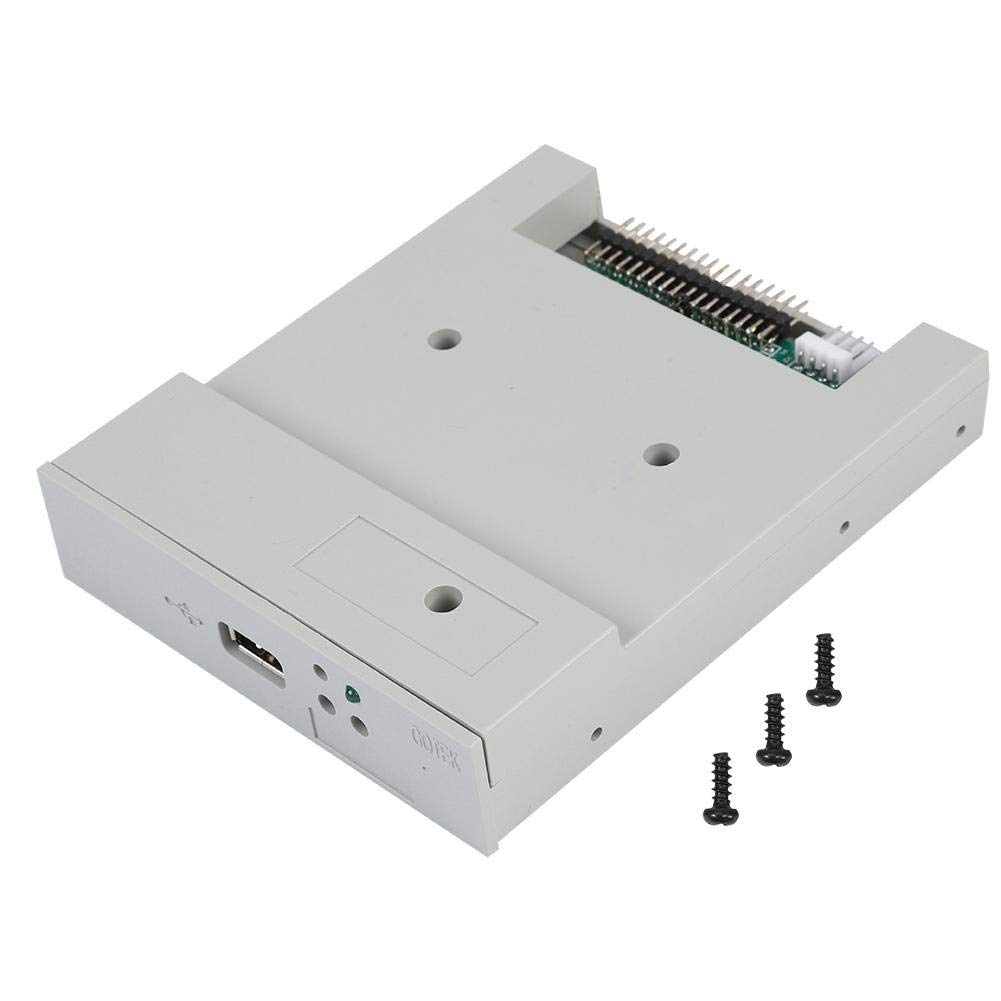
brand new The color of the item may be different from the picture due to aberration. This floppy drive emulator is great for electronic organ Case Material: ABS Colour: black. Floppy driver with the following function required: Floppy driver with 34 pin interface and 5V DC power plug Use 2HD floppy disk with 1.44MB capacity Disc Format: Cylinders: 80 Tracks:160 sectors/track 18 bytes/sector:512 data Transfer Rate: 500 kbps Coding Method:MFM Features: Normal use USB flash drive as a means for transfer design. 34 pin floppy driver interface, 5V DC power, easy to install. /sector:512 data Transfer Rate: 500 kbps Coding Method:MFM You can use 1000 partitions in the USB flash drive. Built-in self-formatting function. ( Read relevant documents to use this feature) Jumper with function for different machines (SFR1M44-U100K does not support jumpers) Panel: 8 segment numbers:represent the number of partitions Green LED:read and write status USB port: connect the USB stick Button: Left button used to increase ten digits, right button used to increase by one digit, press 2 buttons together to increase by a hundred digits Operation: Format USB Flash Drive. 1.Use the built-in self-formatting function to format the USB flash drive into 1000 pieces partitions 2.Install an emulator on your computer and format all partitions using driver A. 3.Use UFA1M44-100 emulator, connect the USB flash drive on it, Connect to computer, it will be recognized as removable driver A or B below for XP/2000/7, format all partitions. UFA1M44-100 also
Customer reviews
10 Trustpilot reviews total, with 2 shown at a time.
I wrote to Bigamart's customer support and they accompanied the process of reshipping the item until it finally arrived. I felt a genuine effort to solve the problem till it was finally solved.
The package was here in Australia from England in a few days — so quick! Something was missing and they refunded it straight away. Pretty happy with these guys.
You might also like