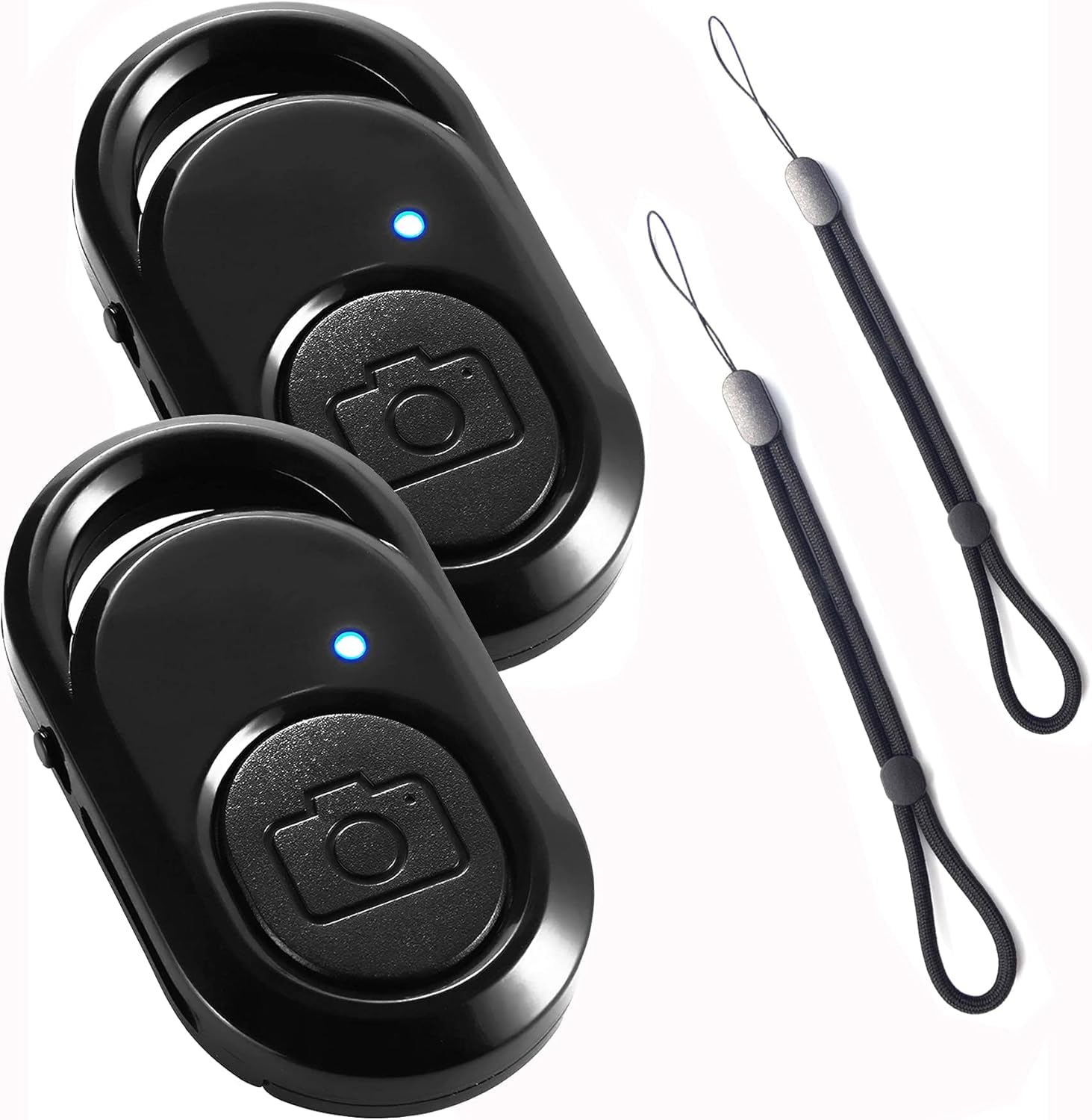

2PCS Bluetooth Remote Control for Smartphones Wireless with Wrist Strap, Remote Trigger Controller Suitable for Photos and Videos Shutter Shutter Shutter Compatible OS/Android/Phone
About this item
- 【Wireless Smartphone Bluetooth Remote Control for Photo with Hand Strap】 Bluetooth Remote Control allows taking selfies, group photos and hands-free videos! Selfie, without the help of others, Bluetooth wireless remote control, one-hand operation can complete the picture, Perfect solution for taking selfies and photos on tripod.
- 【Easy to Use】 Smooth pairing. There is a switch button on the side of the Camera Remote Shutter Control bluetooth, after turning on the phone, turn on the bluetooth switch of the mobile phone at the same time, corresponding to AB Shutter3; When taking photos, just press the button on the front. Exquisite and compact, easy to use. Allows you to take photos with your family, friends or team anytime, anywhere.
- 【Convenient To Carry】 This Bluetooth Selfie Remote Control Camera Shutter clicker is very small and exquisite to carry. You could slip it in your pocket. It is also equipped with an adjustable wrist strap for quick access during use.
- 【Pairing Range】 The bluetooth remote trigger can reach 10 meters (30ft) wirelessly. 【Package Contents】 2PCS Bluetooth Remote Control for Wireless Smartphones (black, Including battery) and 2PCS Hand Strap (black)
- 【Wide compatibility】 Camera Remote for OS/Android can quickly pair with most devices. It works perfectly with Phone, Pad, Android and other smart phones.
Product description
2 x Bluetooth Remote Control for Smartphones Wireless with Wrist Strap, Remote Trigger Controller Suitable for Photos and Videos, Shutter Release Compatible with OS/Android/Phone Box contents 2 x Bluetooth remote control for wireless smartphones (black, including battery). 2 x wrist strap (black). Please note: 1. There is a small power button on the side of the device, then the blue light flashes. 2. In the Bluetooth menu of the mobile phone, select the device "ABShutter" for pairing, then it connects immediately. 3. Activate the Camera app and click the remote shutter button. A menu appears and you need to give the device ABShutter rights to the volume button. This can be done through the Bluetooth menu of the mobile phone. 4. Click the remote shutter button again in the Camera app. 5. If the volume control appears instead of the shutter, you need to activate the volume button as the trigger method in the camera app settings. 6. The camera menu also tells you how to start and stop video recording with the volume key. You can also do this with the remote shutter. You can start and stop, but not pause.
Product details
Customer reviews
What customers say about Bigamart
10 Trustpilot reviews total, with 2 shown at a time.
I wrote to Bigamart's customer support and they accompanied the process of reshipping the item until it finally arrived. I felt a genuine effort to solve the problem till it was finally solved.
The package was here in Australia from England in a few days — so quick! Something was missing and they refunded it straight away. Pretty happy with these guys.
You might also like